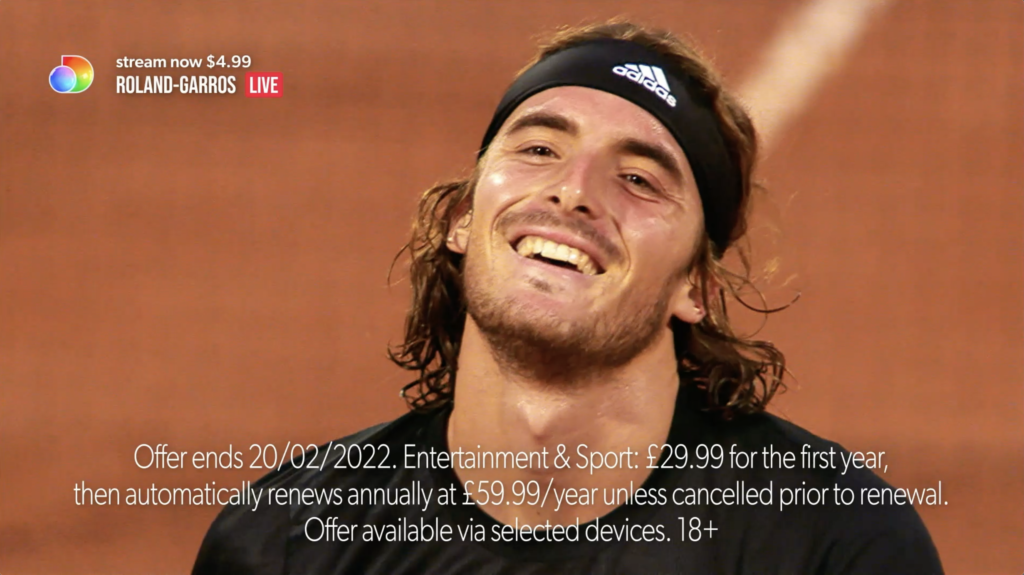
Tune-In Promos
A 25fps toolkit has been provided. For optimal response and render speed we recommend After Effects CC 2022, please see the Toolkit Features page for an outline of features.
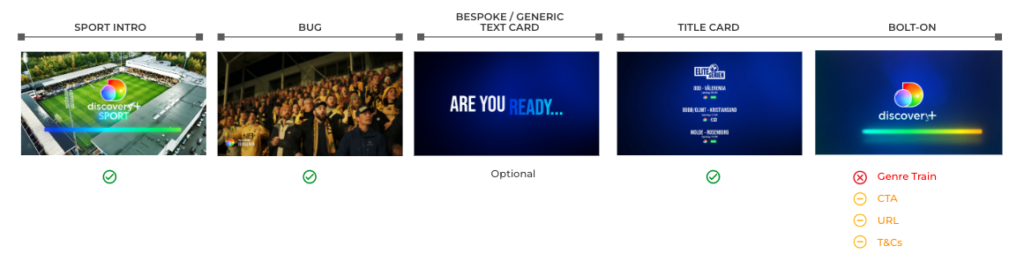
Anatomy of a discovery+ Sport On-Air Tune-In Promo
The modular system of promo assets are designed to distribute messaging throughout the promo, rather than having it all appear at the end as on a traditional linear endboard. The anatomy of all other promos can be found here: Single Event Promos, Collection Promos.
Intros
2 Seconds. Can be made longer/shorter as required.
Intros
Intros are available full frame or alpha for over footage. Full-frame Intros cut on/off with the edit. When using the alpha versions over footage, avoid multiple cuts; it should appear over just one shot and cut off with the proceeding edit. Do not add any additional information or graphic around the logo.


Bolt-Ons
2 seconds Hard cut. No Transition.
Due to their short duration, Bolt-Ons either have no CTA or a 1 Stage CTA, and do not feature a genre train. On-Air, Bolt-Ons only proceed a Menu Title Card (see next section). A Bolt-On should not be extended in duration- if more time is needed to allow for legal requirements for the duration of T&Cs, please use the Terms & Conditions Super (see below) over the body of the promo.
Standard Layout


Ingest Model Layout
Each region can set their own partner logo or select one of the existing network logos, with the option for no CTA or a 1 Stage CTA.


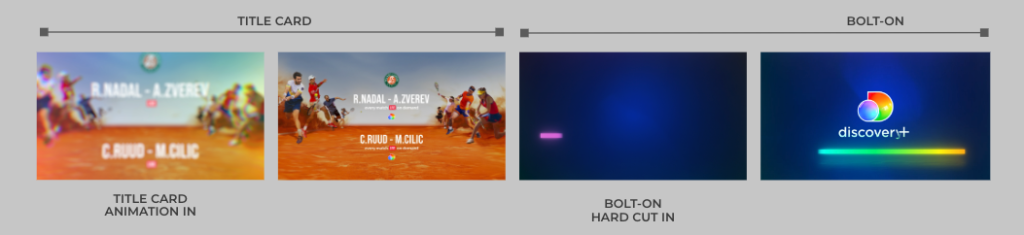
Title Cards with Bolt-On
6 seconds including the Bolt-On.
Title Cards hold essential event information and appear before the Bolt-On. They hard-cut from the promo footage, animating-in with a distinctive spectrum overlay and animating-out into the Bolt-On:
Menu with Bolt-On
Menu Title Cards are used to promote multiple games/matches within a single event. Due to the increased amount of information to read, Menus are proceeded by a Bolt-On. Menus feature an optional event logo and each game/match have and optional header, subline and cross promotion logos.
Event Logo: The preference is for full-color event logo. If that is not possible, the mono version of the event logo can be used. Alternatively, the event name can be written in text.
Image: The preference is to use the main key art image; please ensure this complies with the specific player and rights restrictions that exist for each sport. If that is not possible, any high-quality generic image from the sport can also be used.
Generic dark blue backgrounds are also provided.


Text Cards
Designing bespoke text cards, tailored to the look and feel of the content, is highly encouraged. When that is not possible, generic Text Card styles (Pop-On and Underline) are available full-frame and with alpha.
All styles can be easily extended using protected regions or cut into/out-of to reduce, though the default duration is recommended for Underline Wipe Off to maintain the fluid motion of the spectrum bar.
Terms and conditions can be added in the Essential GFX panel. Each region sets their own legal terms and must follow their regional broadcast guidelines for correct scale and duration.






Bugs
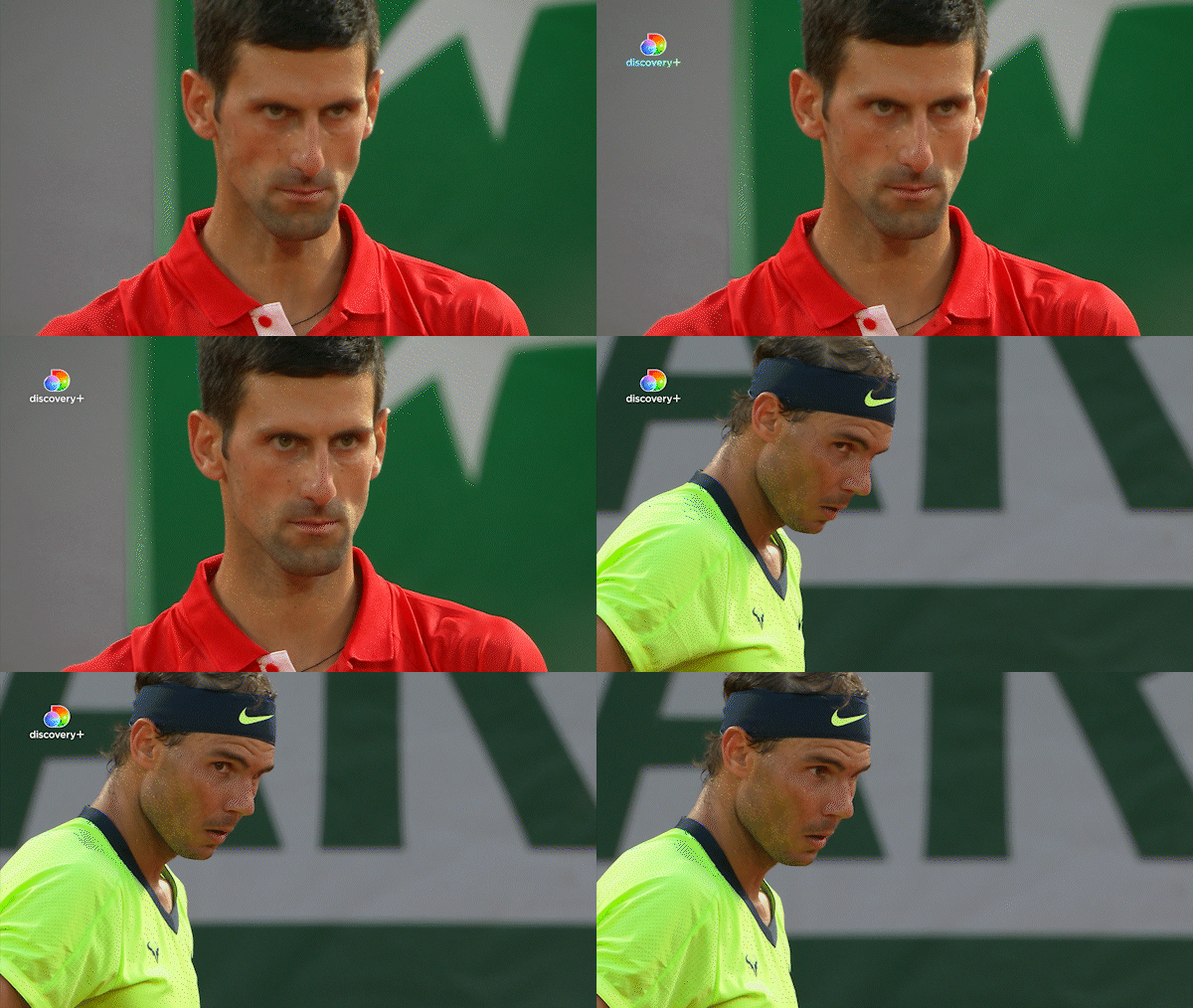
On-Air – Upper left corner (recommended)
Bugs should appear over footage; not at the same time as Full Frame Text Cards. Please cut or animate-off before the final shot proceeding the Outro or Title Card.
Bug
On-air, left-aligned bugs are recommended for consistency with the Bug with Title. Right-aligned options have also been provided for regional requirements; each team or region should decide which position works best for their needs and use that version consistently. The animating option is preferred but a static option, that should be cut on/off with the edit, has been provided when there isn’t enough time for the animation.
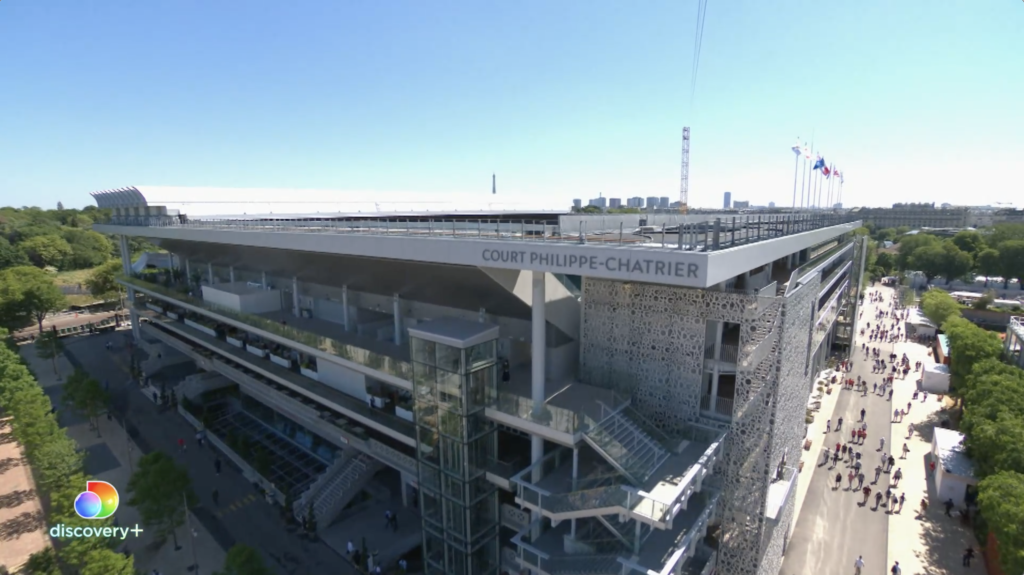
Bug with Title and Live Cartridge
The primary option with the wordmark is preferred, but a secondary icon-only option without the wordmark is provided to use if there is not enough time for the full animation. This asset may be cut into/out-of at any point during the animation to reduce the duration even further.
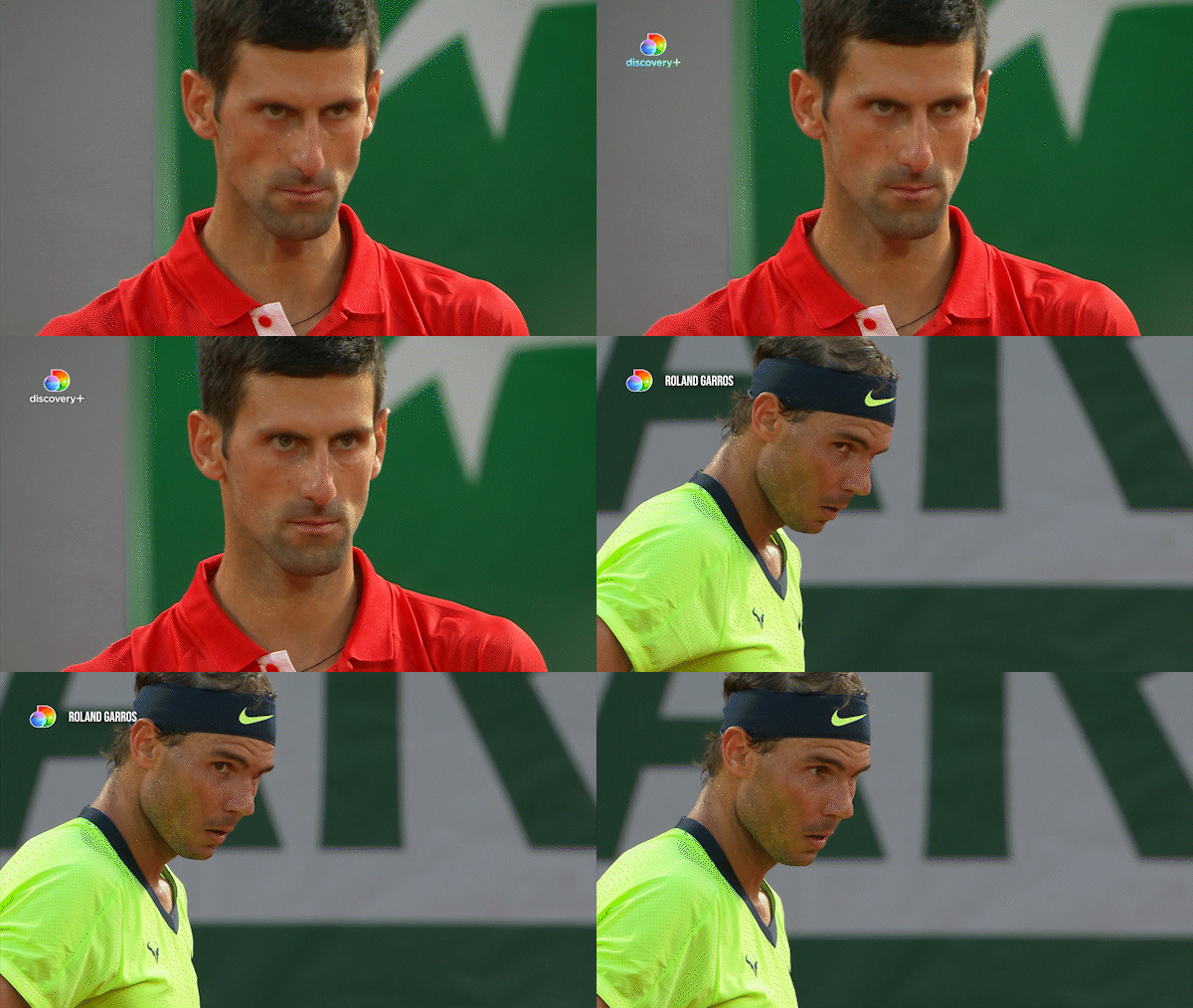
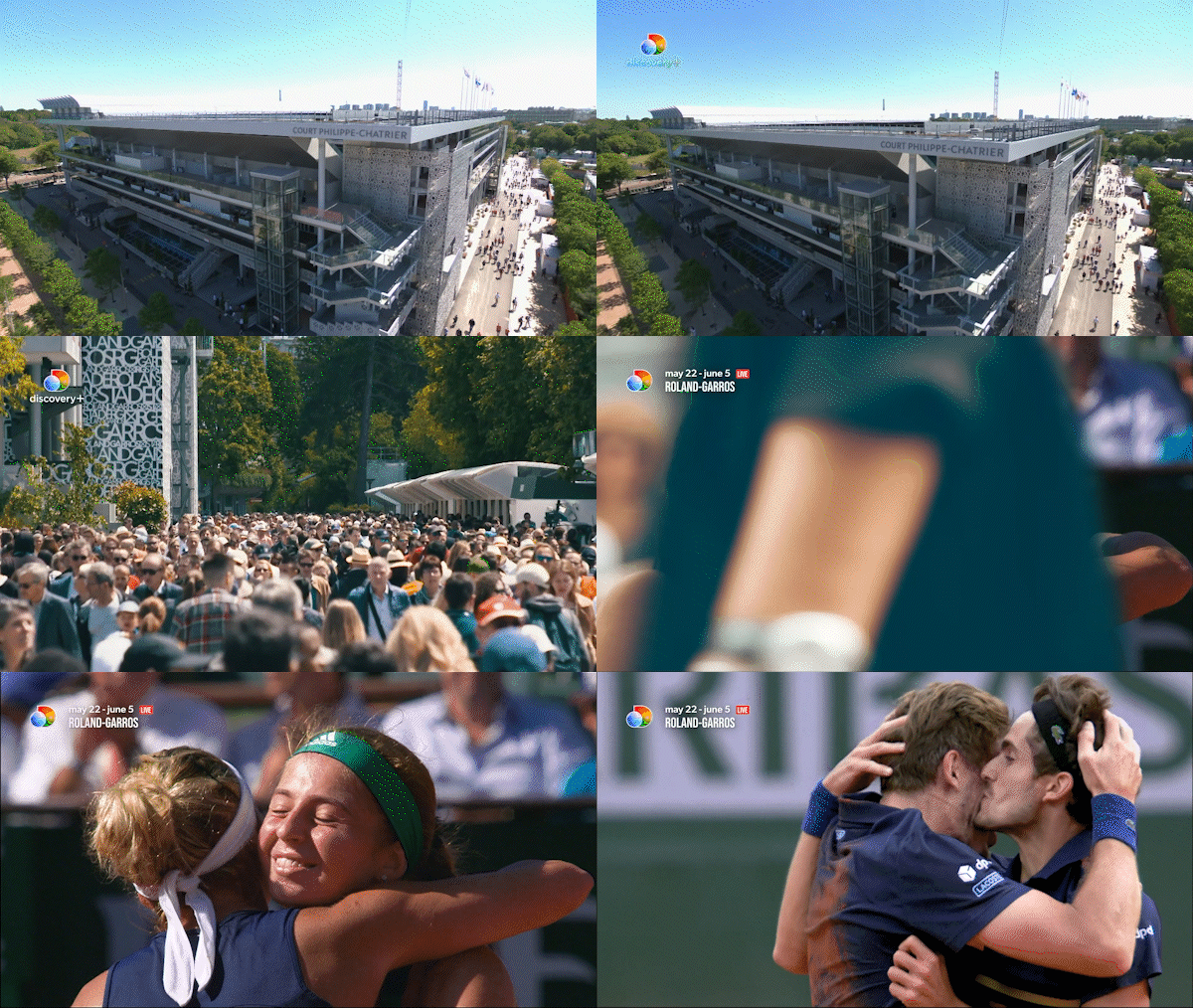
Co-Brand Bug with Title
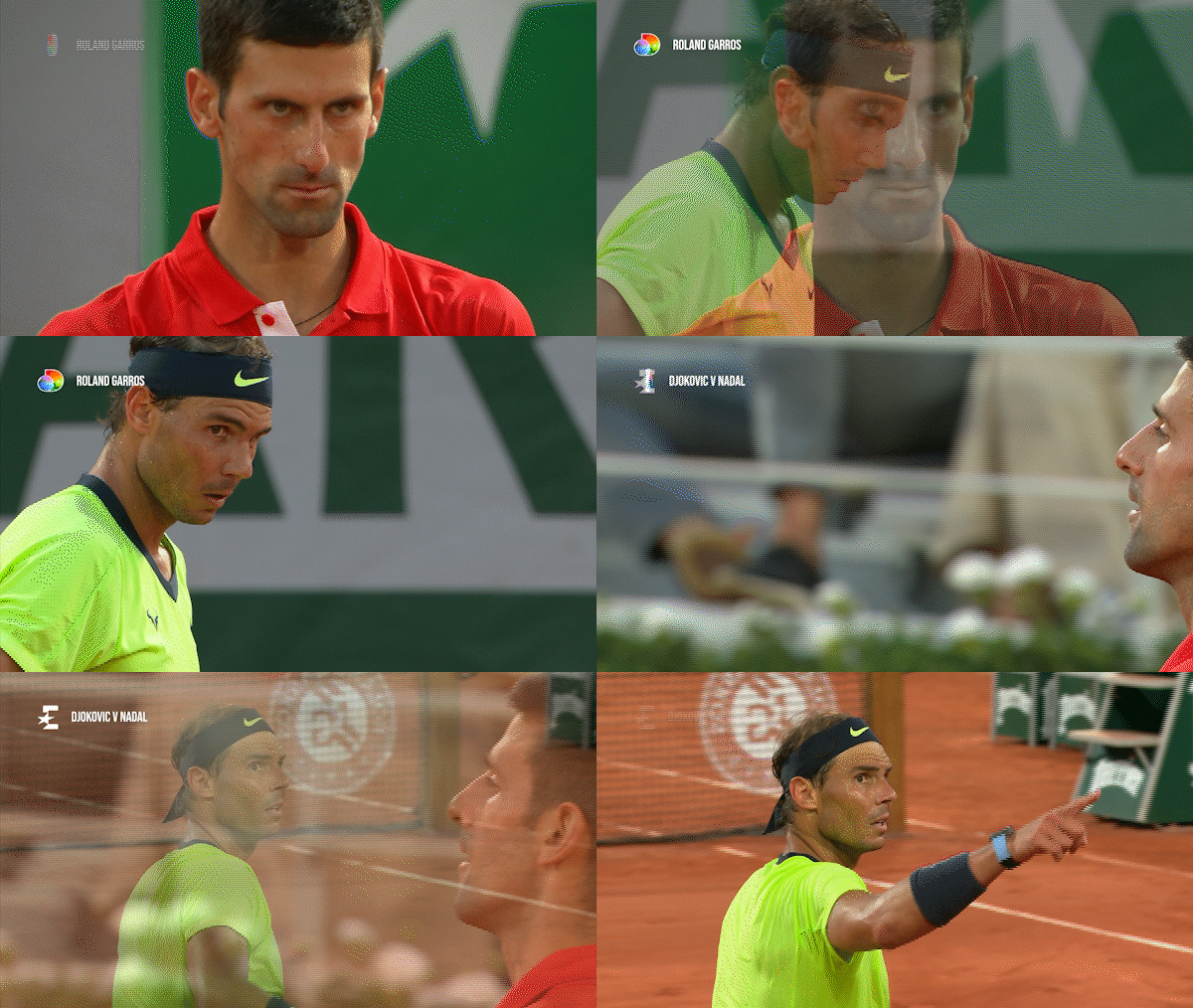
Co-Brand Bug with Title features a two stage animation.
Transitions
Spectrum Blur Transitions
Overlay Transitions
Matte Transition

Logo Transition
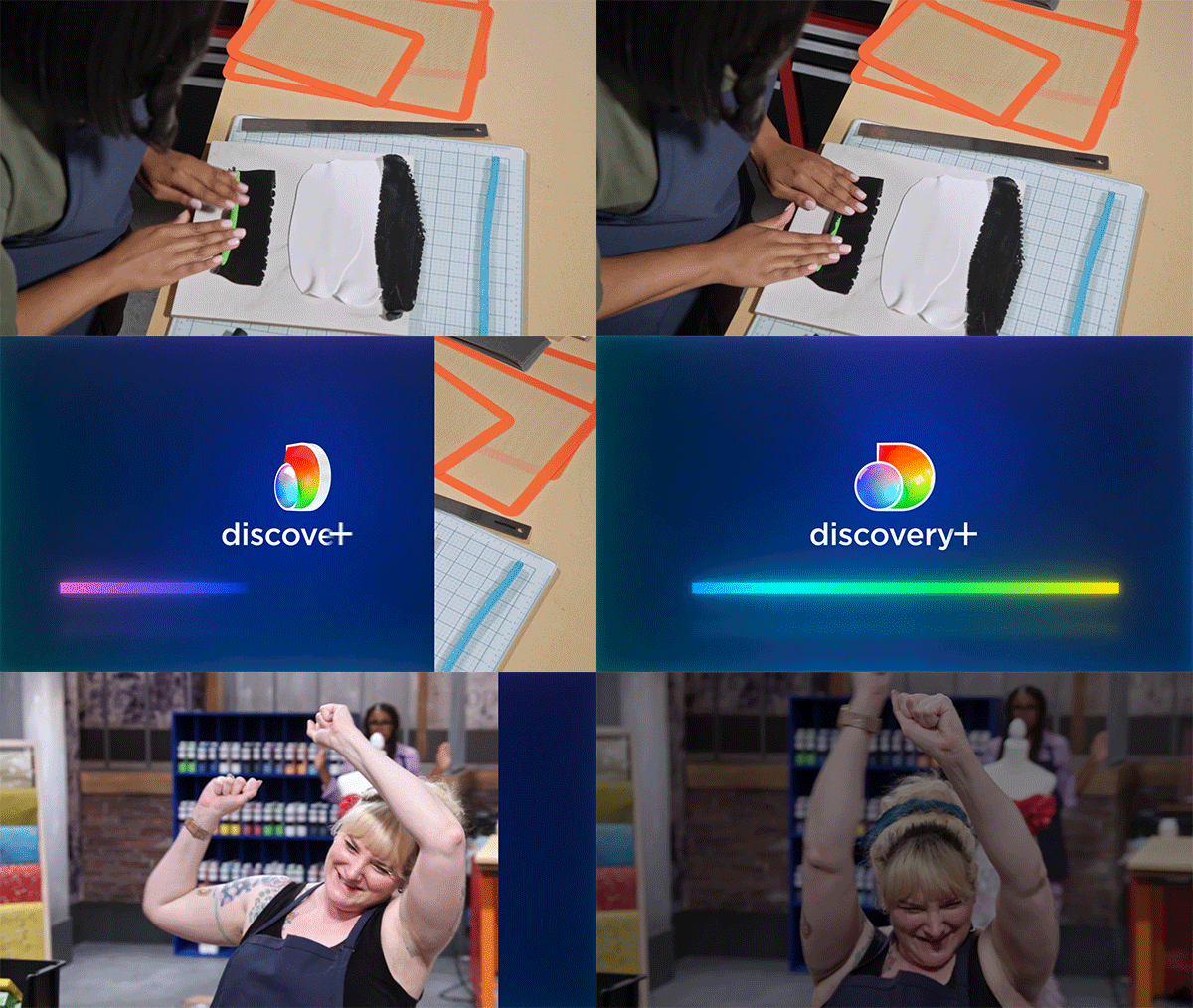
Overlay Transition

Closed Captions
Additional Subtitling options for Organic videos can be found here, and for Paid Social & Digital videos can be found here.
Terms & Conditions Super
The Terms & Conditions Super can be used over the body of a promo for regions that legally require the duration of T&Cs to be on screen for longer then a standard Bolt On.