Brand Elements
Spectrum Bar
The Spectrum Bar features the full spectrum gradient and must always appear purple to red (left-to-right, up-to-down). The static Spectrum Bar is provided in a variety of sizes and lengths. Please ensure there is always sufficient contrast with the background.

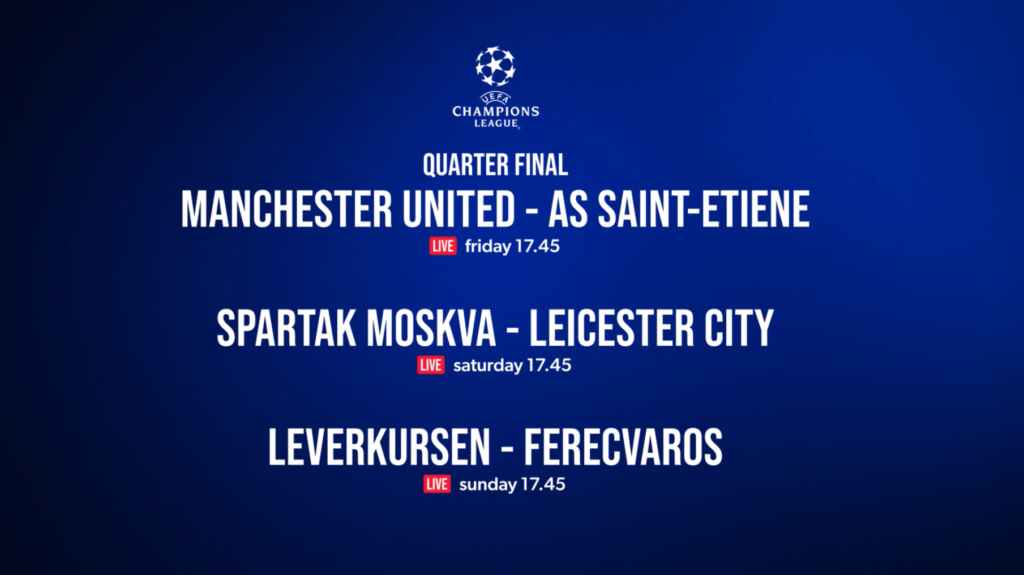
Live Cartridge
The Live Cartridge is a red image asset used to denote and amplify live events, in place of the text ‘LIVE’. The graphic is optional and can be used in product benefit sublines and CTAs, where appropriate.
The Live Cartridge is provided as a built-in option in a variety of static & motion templates. The static asset is also available to download as an individual .AI or .PSD file below.


Brand Quilt
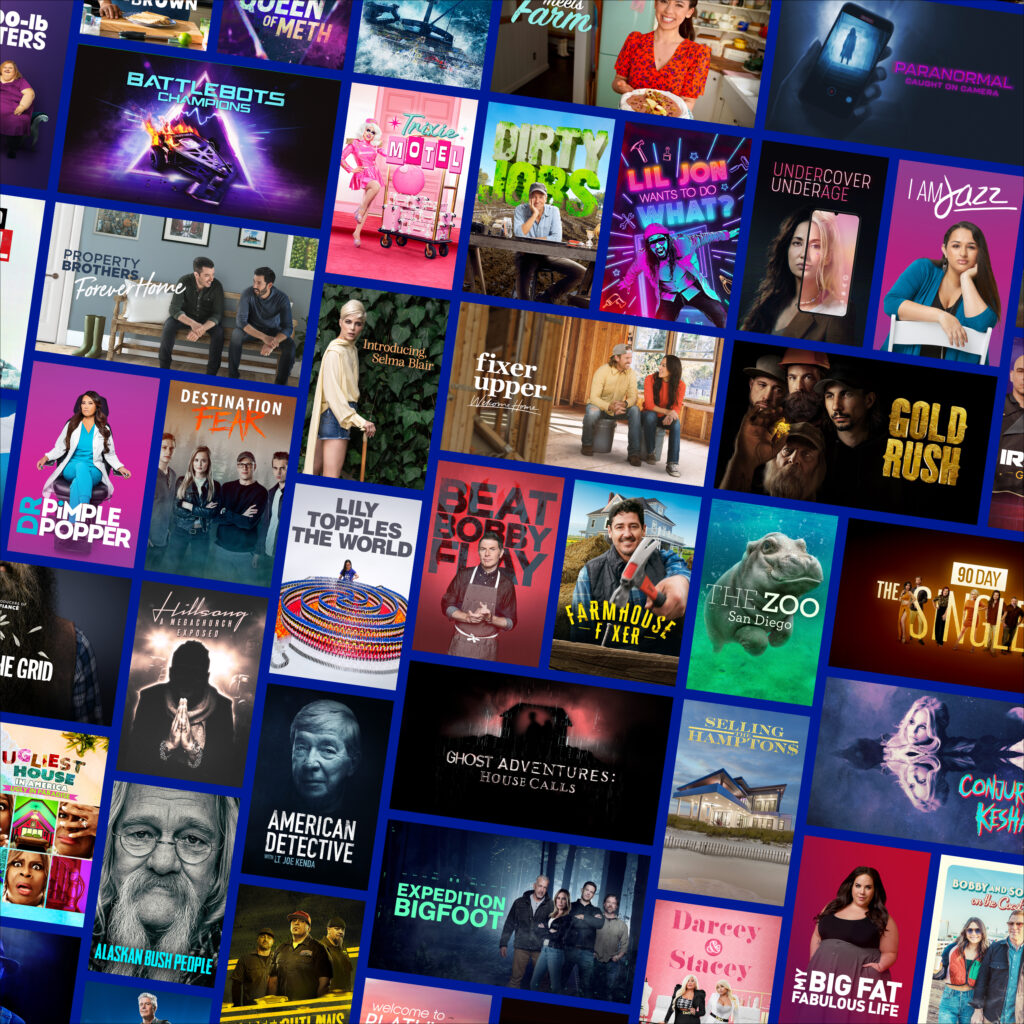
The Brand Quilt is a composite image asset featuring the breadth of content available on the discovery+ streaming service. Due to individual key art image rights, please ensure localized versions are created and cleared for use.
Entertainment Brand Quilts are created for all regions. Download approved country-specific brand quilts below. In order to create Sport focused brand quilts, please download the .PSD template in order to localize using cleared images.
Example: Entertainment Brand Quilt. Approved for US only.
On-Air Background Textures
The On-Air Background Textures are dark blue only. The Outro texture is a radial gradient. The Text Card texture is a modular gradient.


Text Fill Texture
The Text Fill Texture is used for headlines and CTAs. It is only used for text set in the Bebas typeface when on the dark blue background. When using the texture is not possible (e.g., at very small sizes or in automation) use the Text Fill Gradient instead.
When using the Text Fill Texture, always ensure the horizon line dissects the middle of the top line of text.


Text Reflection
When the headline is the subject of the layout, we add depth with a subtle floor reflection.

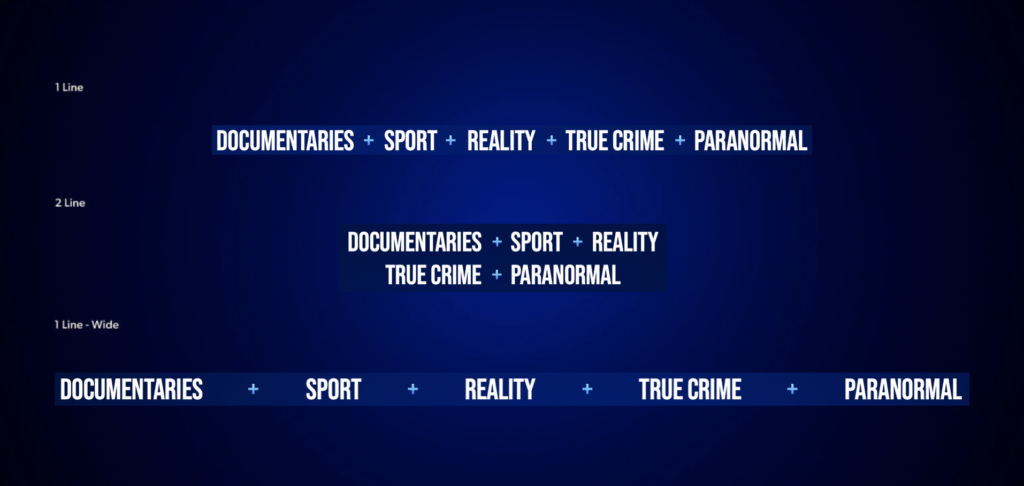
Genre Trains
Each region’s static genre train is provided in 1 Line, 2 Line & 1 Line – Wide formats. On the dark blue background, the pluses use the Text Fill Gradient. On all other backgrounds, the pluses should be white.