Non-Paid Social & Digital Video Guidelines
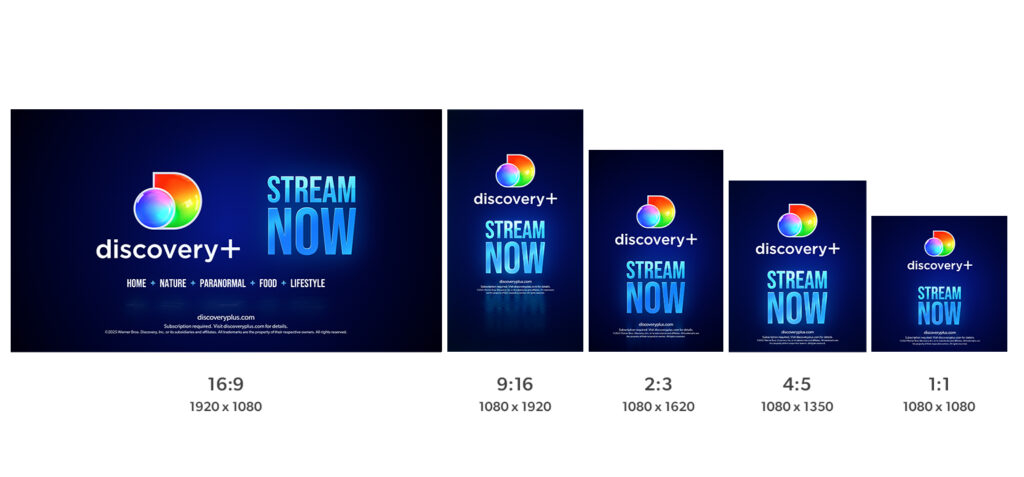
All assets below are provided in the following aspect ratios with and without CTAs:
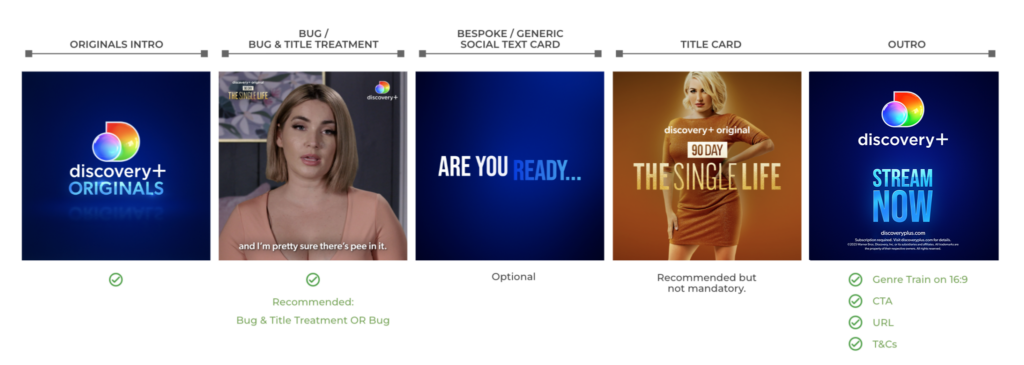
The order of graphic elements at the start of Organic Social & Digital videos can differ depending on the creative or marketing objective. Below are the four anatomies we recommend for Organic Social & Digital videos. Social subtitles are recommended on all social/digital videos.
Repurposed discovery+ Original On-Air Promo
Anatomy of a Repurposed discovery+ Original On-Air Promo
Social Trailers
Anatomy of a discovery+ Original Social Trailer
Ratios – Social Trailers must be delivered in both 1:1 and 9:16
Versions – Social Trailers must be delivered with both Dated CTAs and Stream Now CTAs
Show Lift & all other Generic Social Videos
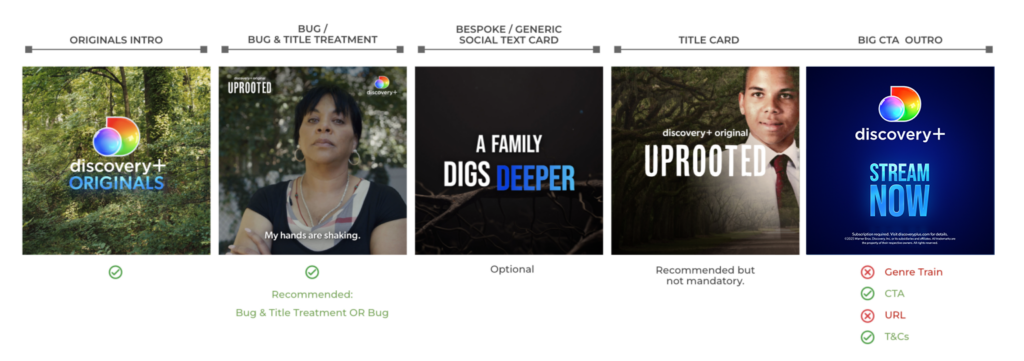
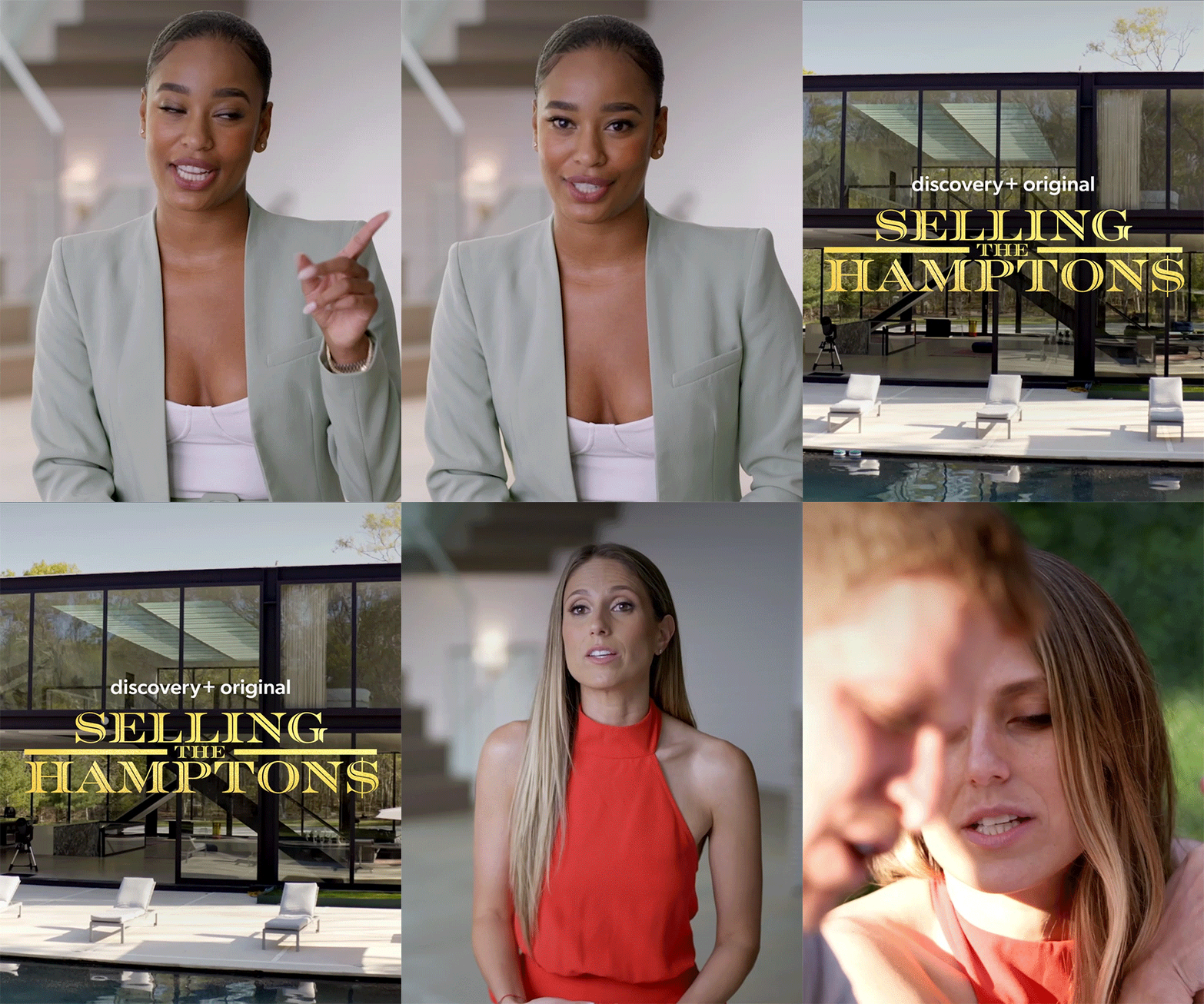
Anatomy of a discovery+ Show Lift
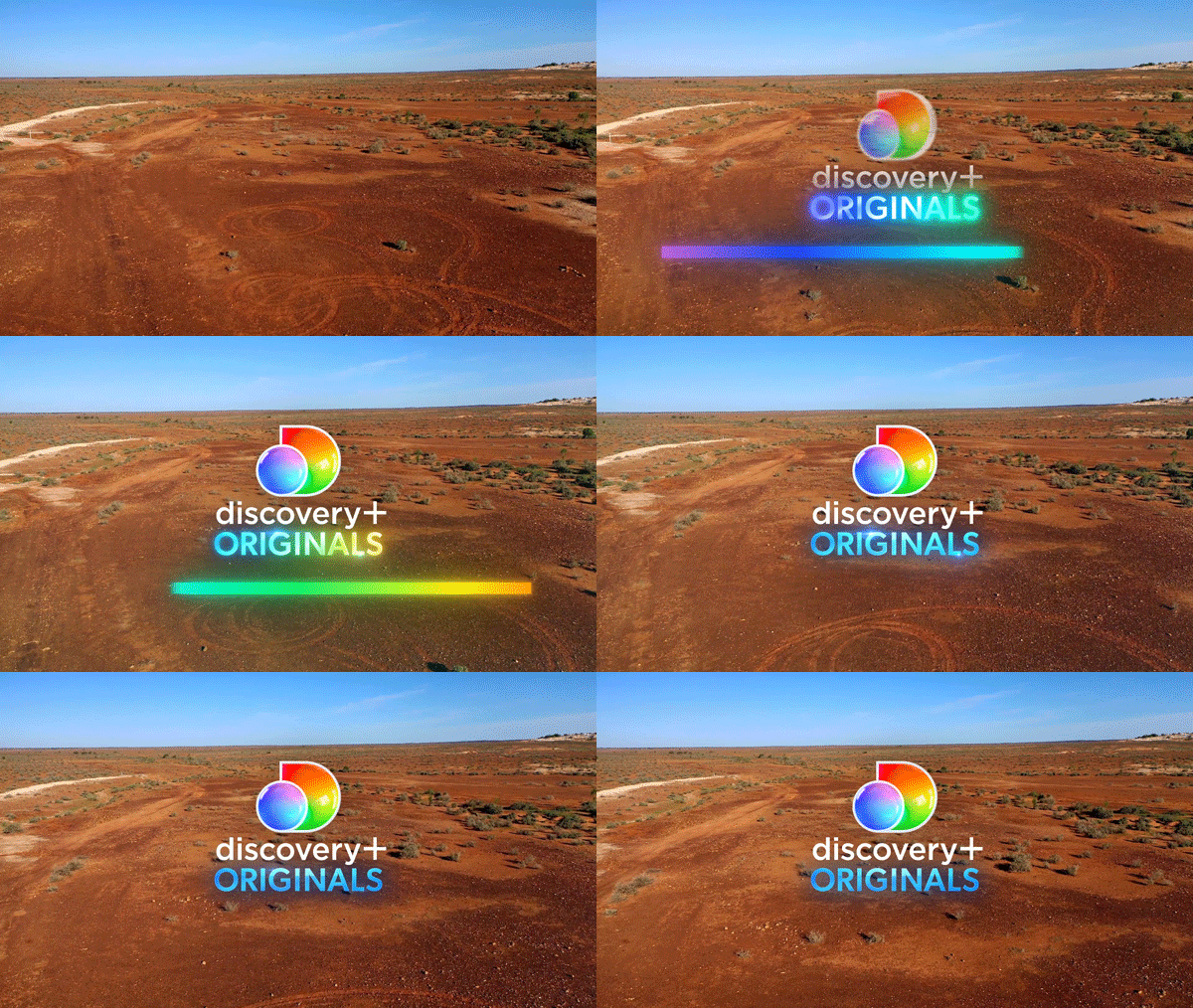
Intros
2 Seconds. Can be made longer/shorter as required.
Originals Intros are available full frame or alpha for over footage. Full-frame Intros cut on/off with the edit. When using the alpha versions over footage, avoid multiple cuts; it should appear over just one shot and cut off with the proceeding edit. Do not add any additional information or graphic around the logo.

Multi-show promos that include a mixture of original and non-original titles can use the Standard Intros:


Outros
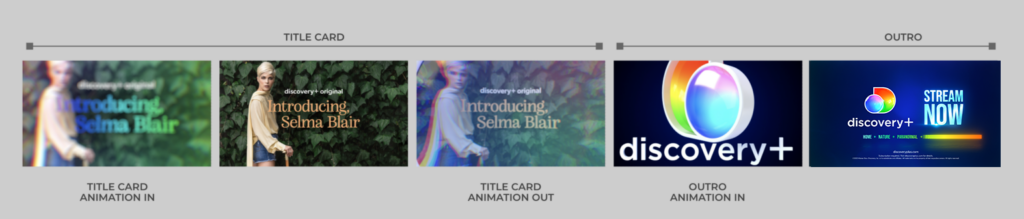
Outros can appear on their own, or proceeding a Title Card (see next section).
Big CTA Layout
6 seconds including 13-frame transition. Can be made longer or shorter (minimum 3 seconds) as required.
The Big CTA layout is recommended for promos and trailers that appear on small screens (e.g., mobile, tablet, computer, etc.) with the exception of YouTube, which has its own dedicated layout (below). The CTAs that are built into the toolkit appear over two lines in a block layout; custom CTAs have scale controls for each line to replicate this layout. Options for 1 and 2 stage CTAs are provided:


YouTube Layout
19 seconds including 13-frame transition.
The YouTube Layout is designed to hold video, subscribe, and external websites elements. Do not fade or cut to black after Outro.
Music: Cleared music is required for the full duration of the Outro. Music from the trailer is preferred.


Each region can select their genre train in the Essential GFX panel. Genre Trains only appear on 16:9 Outros.
| USA | Home | Nature | Paranormal | Food | Lifestyle | |
| Italy | Reality | Crime | Love | Sport | Documentaries | |
| UK | Documentaries | Sport | Reality | True Crime | Paranormal | |
| Netherlands | Documentaries | Reality | Sport | Love | True Crime | |
| Finland | Dokumentit | Urheilu | Reality | Rikos | Moottorit | |
| Norway | Sport | Dokumentarer | Humor | Reality | Krim | |
| Sweden | Dokumentärer | Reality | Sport | Humor | Crime | |
| Denmark | Dokumentarer | Serier | Sport | Reality | Krimi | |
| Ingest Feeds | Adventure | Documentaries | Sport | Love | True Crime | |
| Spain | Documentales | Crimen | Paranormal | Deportes | Lifestyle | |
| Philippines | Relationships | Home | True Crime | Paranormal | Adventure | |
| Brazil | Estilo de vida | Aventura | Kids | Documentários | Investigação | |
| India | Adventure | Documentaries | Sports | Lifestyle | Kids | |
| Australia | True Crime | Reality | Lifestyle | Food | Paranormal | |
| Germany | Dokumentationen | Abenteuer | Sport | Liebe | True Crime |
Outros are designed to hold key call-to-action (CTA) messaging only. CTAs can appear over 1 or 2 stages, depending on the amount of information. No-CTA Outros have also been provided. To make extended CTA information easier to read, secondary words should be set in small caps by entering them in lowercase in the Essential GFX panel.
Each region sets their own URL in the Essential GFX panel, and can decide to turn it on or off. The URL should be turned off if the formatting of the Terms & Conditions causes the URL to be too close or overlap other elements.
Each region sets their own legal terms in the Essential GFX panel, and must follow their regional broadcast guidelines for correct scale and duration.
Title Cards with Outro
6 seconds including the Big CTA/Ingest/Amazon Outro (excluding UI). Outro can be made longer as required.
22 seconds including the YouTube Outro.
Title Cards hold essential show information & imagery and appear before the Outro. They hard-cut from the promo footage; animating-in with a distinctive spectrum overlay and animating-out into the Outro:
To drive awareness of franchise brands and create a seamless viewer journey from promo to app, the Title Card should align to how the program appears in the app, the preference is to use Image/Footage & Title Treatment, but several other options are provided depending on available assets.
Title sequences lifted from a show may also be used as an alternative to the several options provided below.
Image/Footage & Title Treatment (Preferred)
discovery+ Original line is required for all Originals titles, and will automatically reposition around the title treatment in the Title Cards that allow for it. Please do not reposition manually or scale independently of the title treatment.
Image: The preference is to use a clean version of the main Key Art image that is used on the product. However, any high-quality image from the season can also be used, similar to the episodic-level images on the product.
Footage: Footage that is tonally similar to the Key Art or representative of the IP can be used in place of the image.
Title Treatment: The preference is for full-color title treatment, image & footage should be chosen, designed or directed to work with the full-color version. If that is not possible, mono versions of the title treatment can be used. Ensure that the proportional scale of title treatment remains consistent; general scaling guides have been provided for three standard sizes.


Key Art
When separate image/footage and title art assets are not available or there is a requirement to feature 2-5 show titles, use the Key Art option.
These are designed to use existing 16:9 Key Art. Options for 1, 2, 3, 4 and 5 shows have been provided. Please ensure the title treatment has been set within the Safe Area Guide.
Note: No discovery+ Original line.


Content Wall
When there is a requirement to feature more than 5 show titles or a collection, use the Content Wall option.
This features 9 shows and also uses existing 16:9 Key Art. Please ensure the title art has been set within the Safe Area Guide.
Note: No discovery+ Original line.


Title Treatment
discovery+ Original line is required for all Originals titles, and will automatically reposition around the title treatment in the Title Cards that allow for it. Please do not reposition manually or scale independently of the title treatment.
If there is no show imagery/footage available, use the Title Treatment option.
For use with either the full color or white-mono version of the title art to provide maximum legibility over the Dark Blue background. Ensure that the proportional scale of title treatment remains consistent; general scaling guides have been provided for three standard sizes.


Generic Text
discovery+ Original line is required for all Originals titles, and will automatically reposition around the title in the Title Cards that allow for it. Please do not reposition manually or scale independently of the title.
If there is no show imagery/footage or title treatment available, use the Generic Text option.


Genre Rotator
The Outro following the Genre Rotator Title Card will automatically appear without a Genre Train.
Each region can select its genre rotator in the Essential GFX panel. The Streaming Home Of headline is both editable and optional.


UI
8 seconds Including 10-frame transition


Social Title Cards
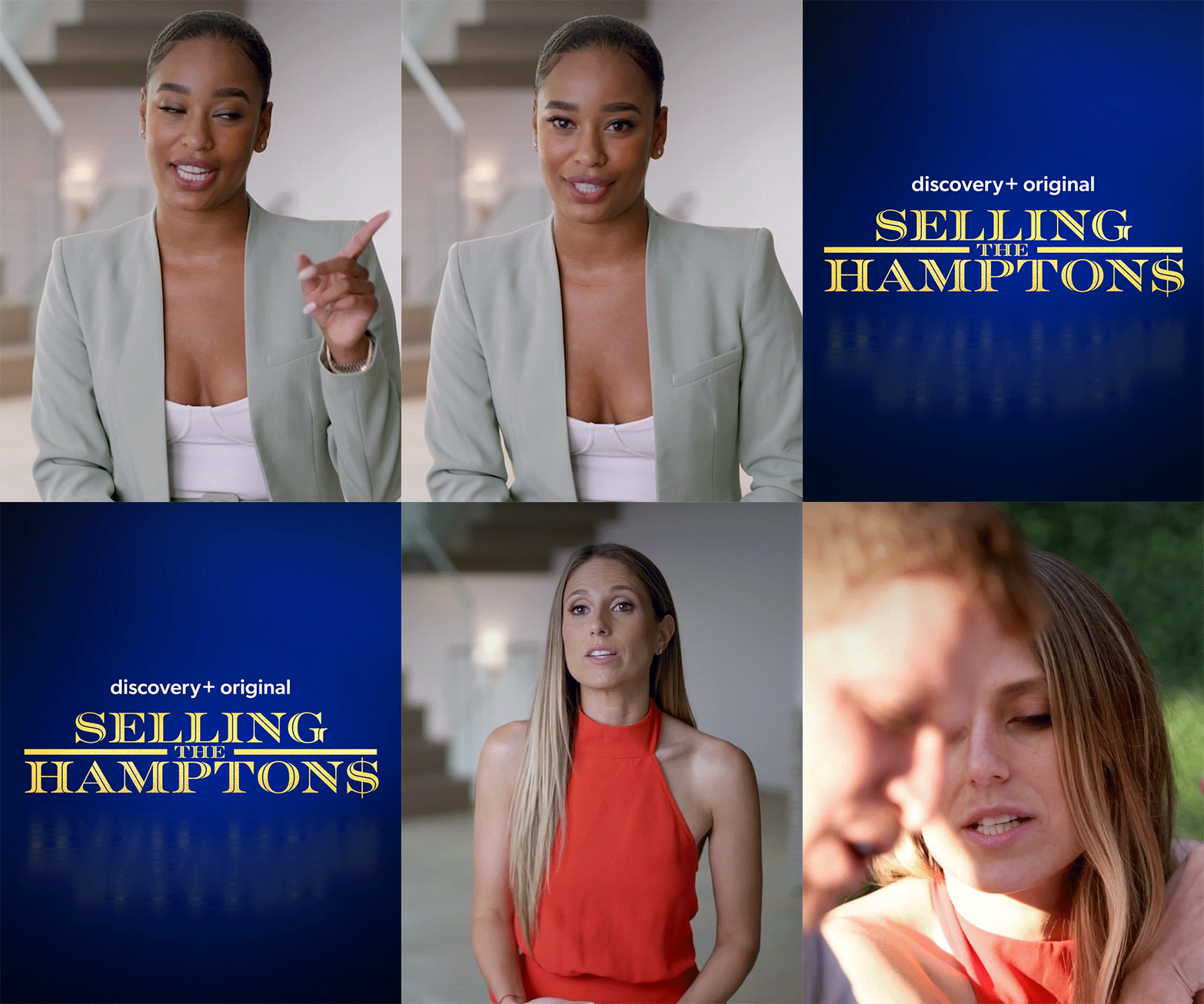
Social Text Cards
Designing bespoke text cards, tailored to the look and feel of the content, is highly encouraged. When that is not possible, generic Text Card styles (Underline and Pop On) are available full-frame and with alpha.
All styles can be easily extended using protected regions or cut into/out-of to reduce, though the default duration is recommended for Underline Wipe Off to maintain the fluid motion of the spectrum bar.
Terms and conditions can be added in the Essential GFX panel. Each region sets its own legal terms and must follow its regional broadcast guidelines for the correct scale and duration.









Social/digital videos that use the ‘Pop On Full Frame‘ style have the additional option to use the social gradients as the background:


Bespoke Kinetic Text Card Guidance
When creating bespoke kinetic text cards, we recommend using a large attention-grabbing font size and arranging the text in blocks, as seen below. Emojis and iconography can also be used.
Bugs
Organic Social & Digital – Upper-right corner
YouTube – Lower-right corner
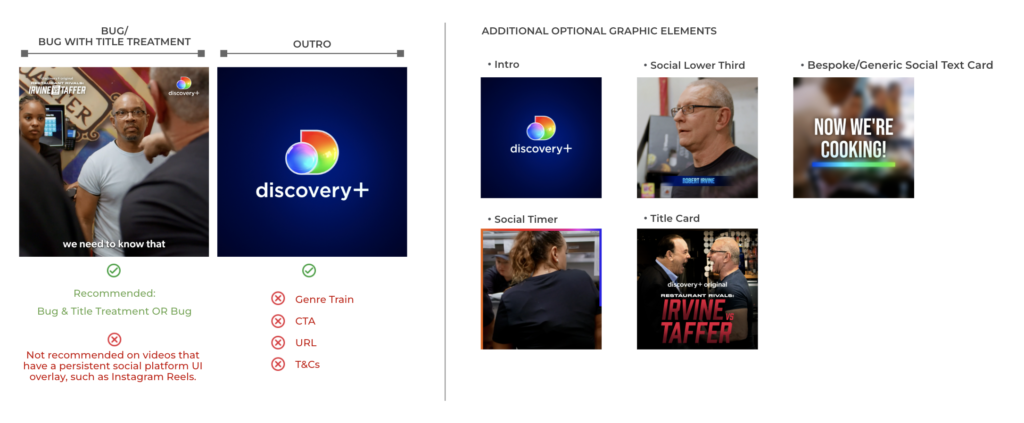
Bugs should appear over footage, not at the same time as Full Frame Text Cards. Please cut or animate-off before the final shot proceeding the Outro or Title Card. An additional Bug with Title Treatment option for Paid Social & Digital videos can be found here.
Bug
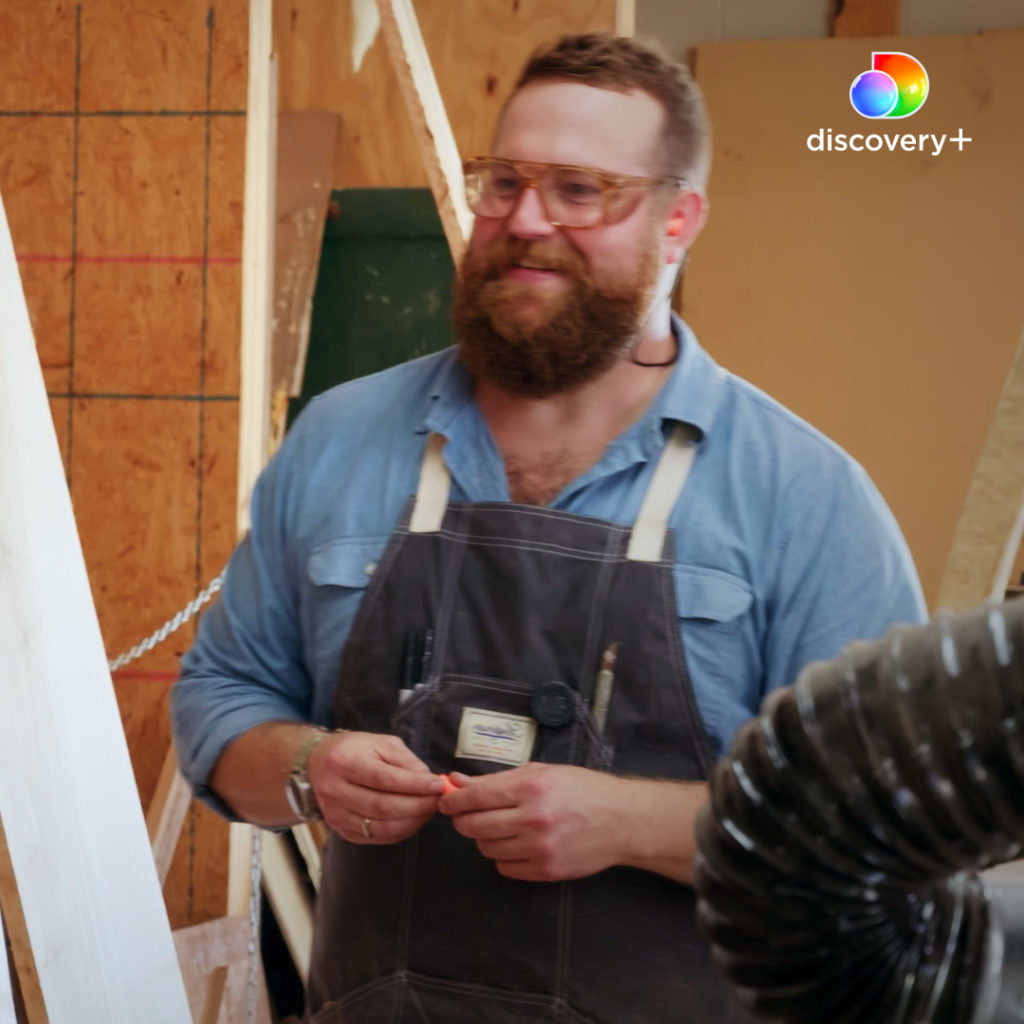
In organic social/digital, right-aligned bugs are recommended but not mandatory. Left-aligned options have also been provided for platform or regional requirements. Each team or region should decide which position works best for their needs and use that version consistently. The animating option is preferred but a static option, that should be cut on/off with the edit, has been provided when there isn’t enough time for the animation.
Bug with Title Treatment
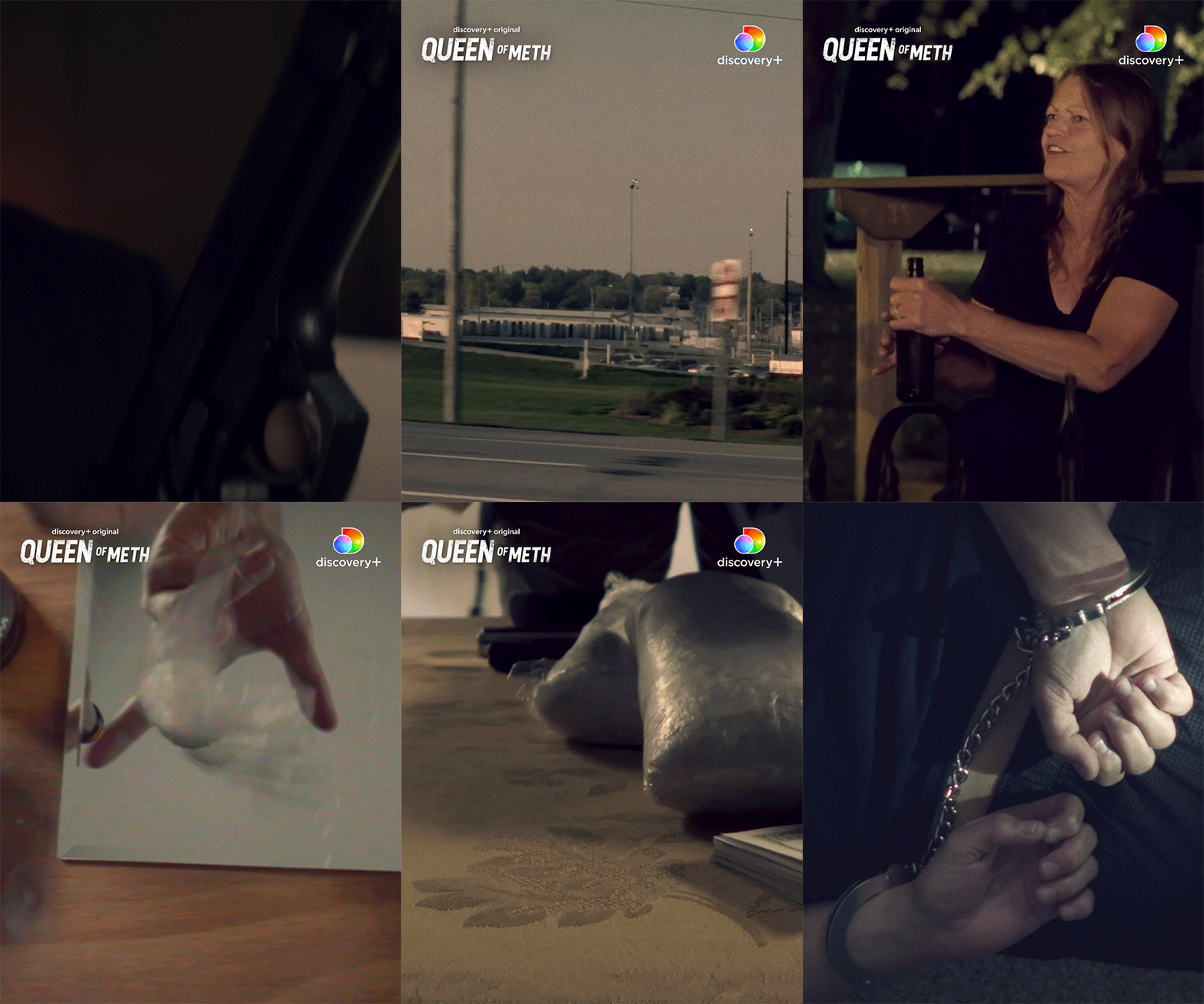
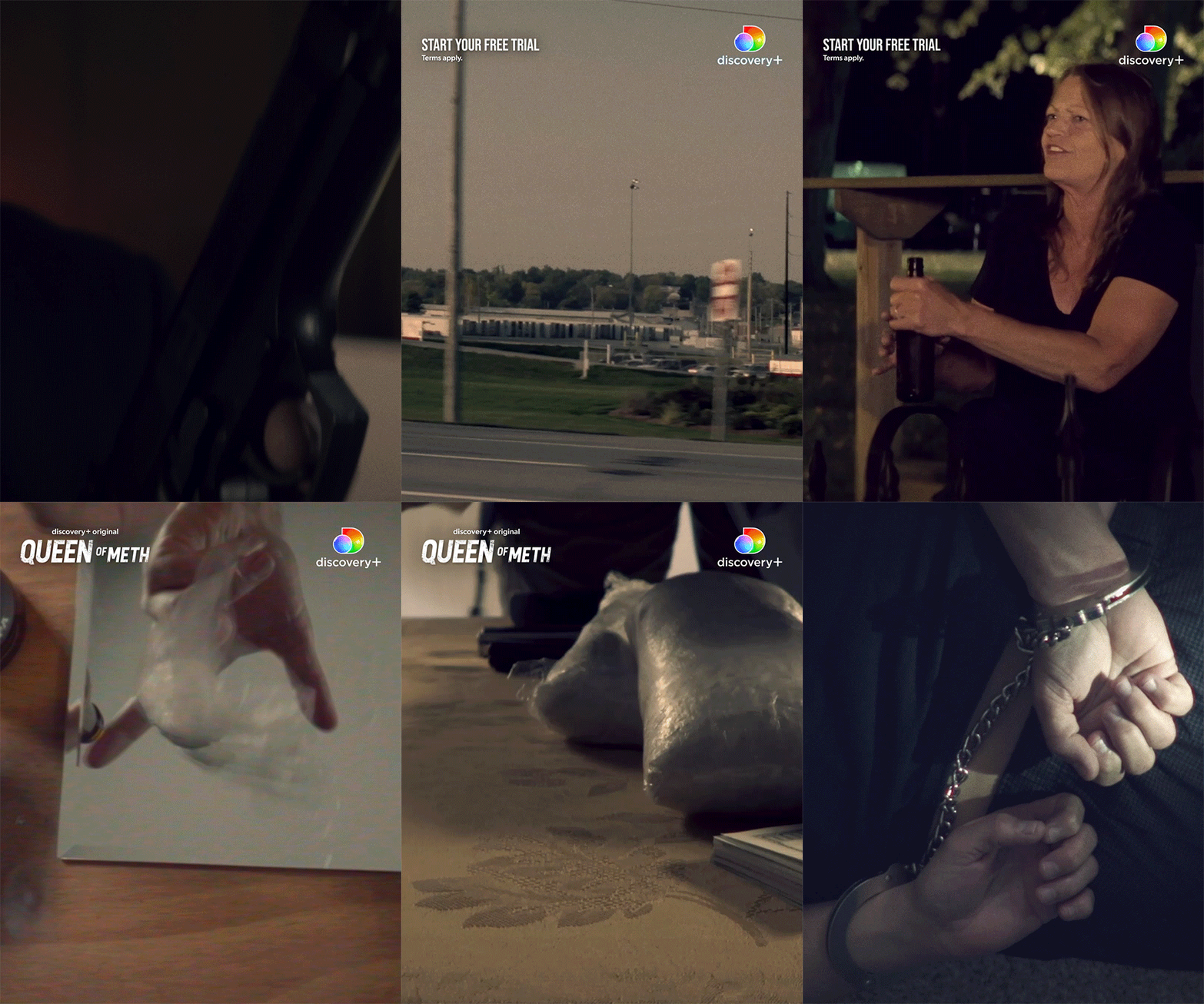
Bug with Title Treatment is recommended for all social/digital videos. 1-stage (title treatment only) and 2-stage (CTA & title treatment) options are available. The title treatment should be scaled to appear of equal weighting to the bug without exceeding its height.
Transitions, Timers & Subtitles
Spectrum Blur Transitions
Overlay Transitions
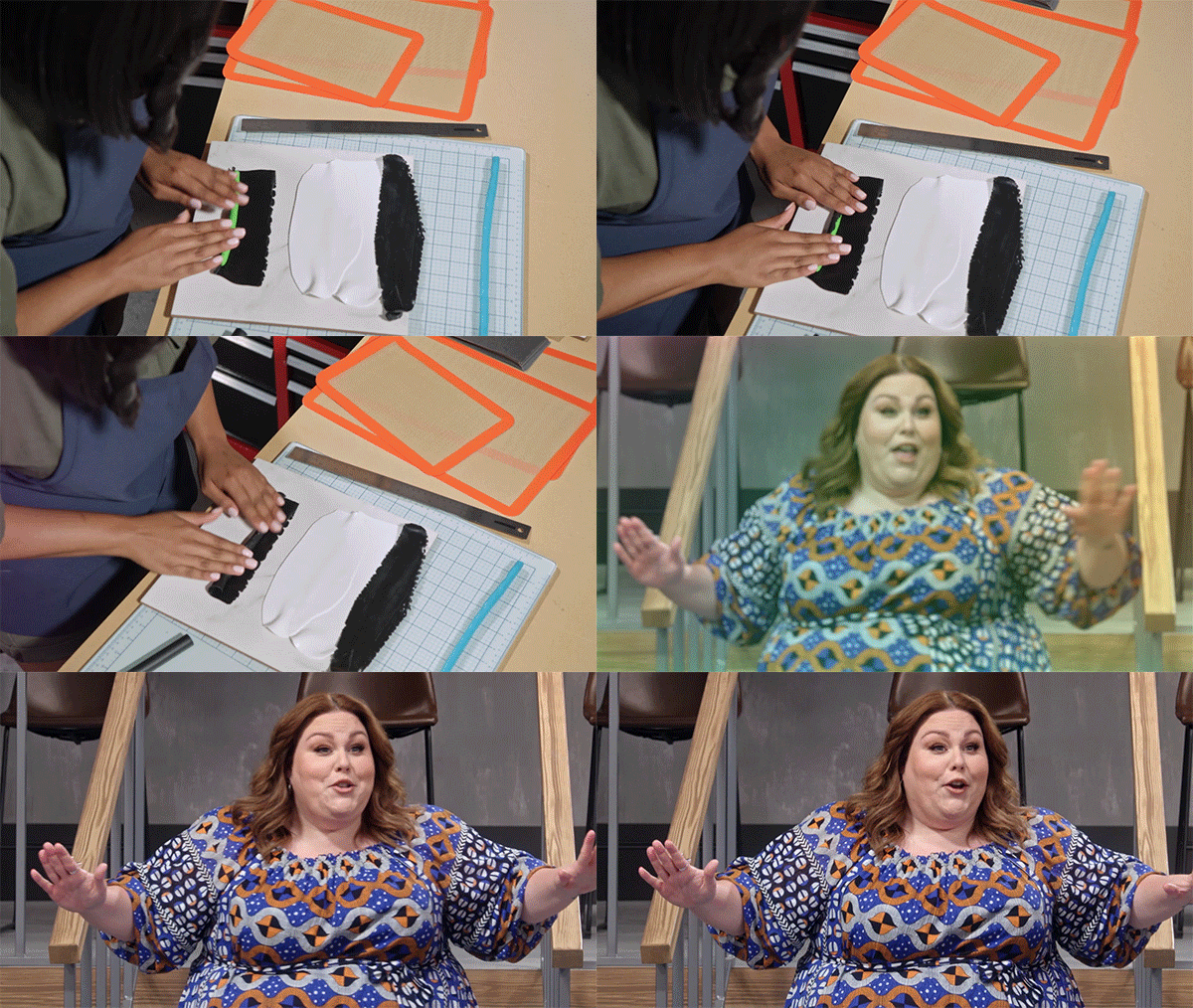
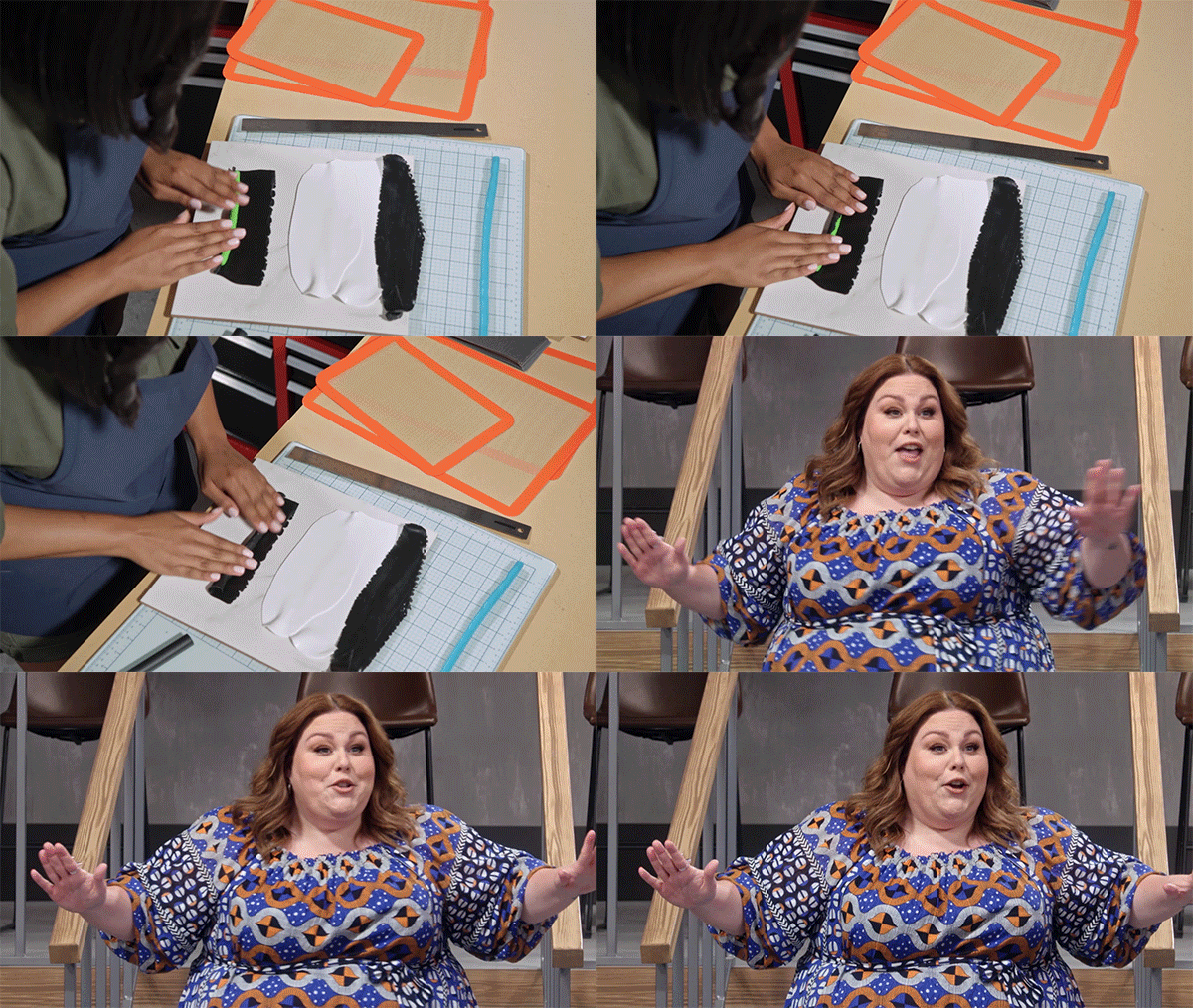
Matte Transition
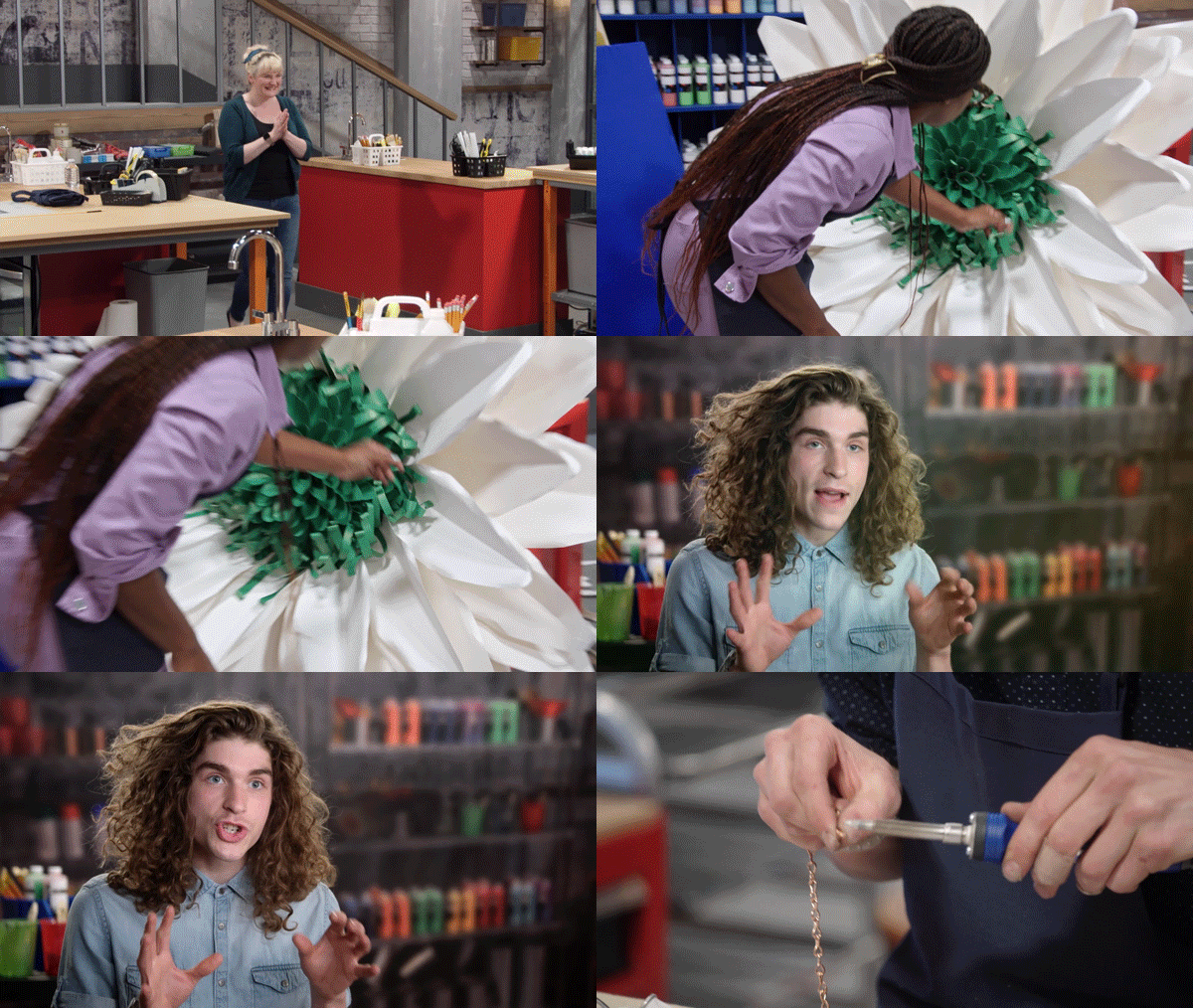

Logo Transition
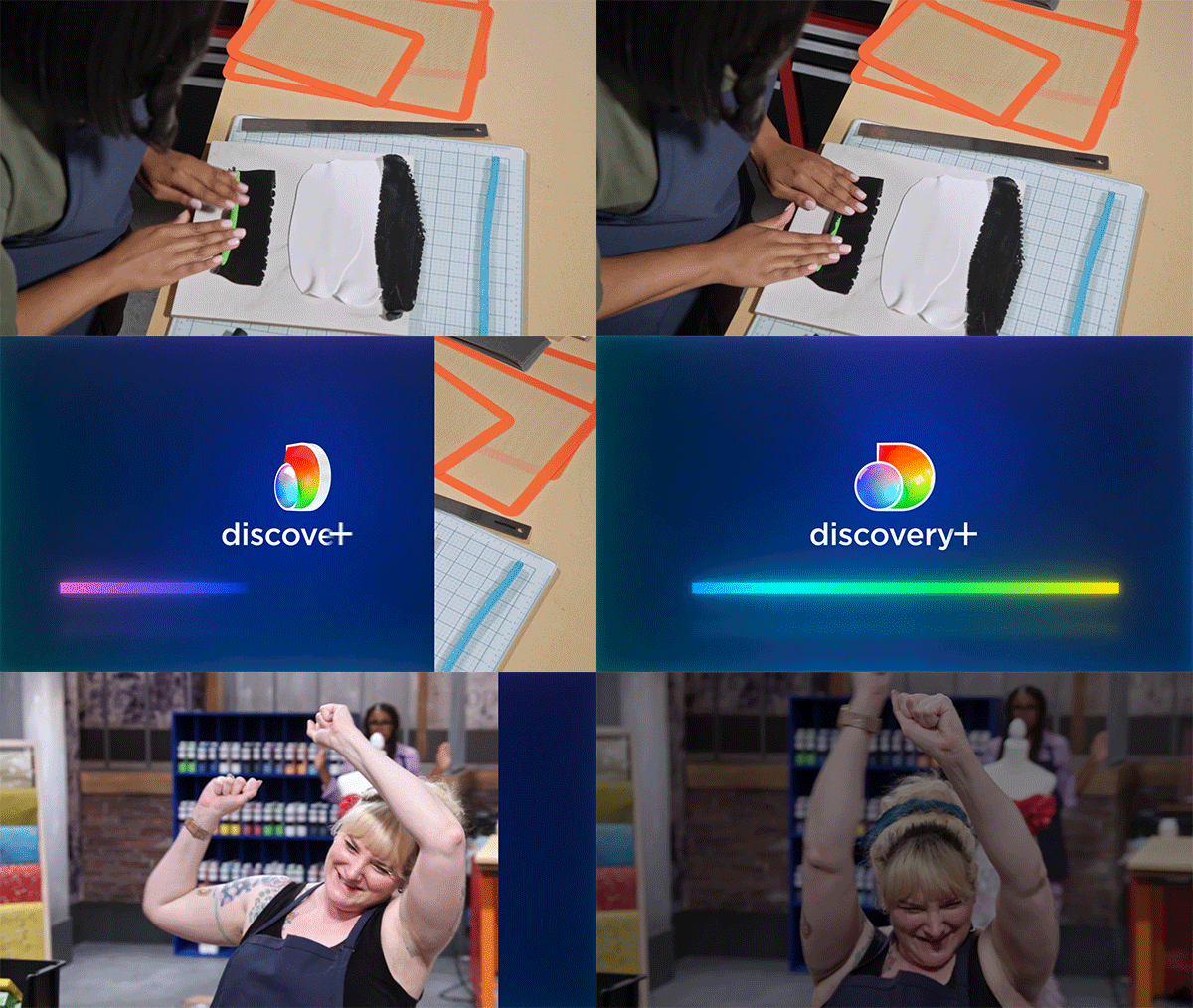
Overlay Transition

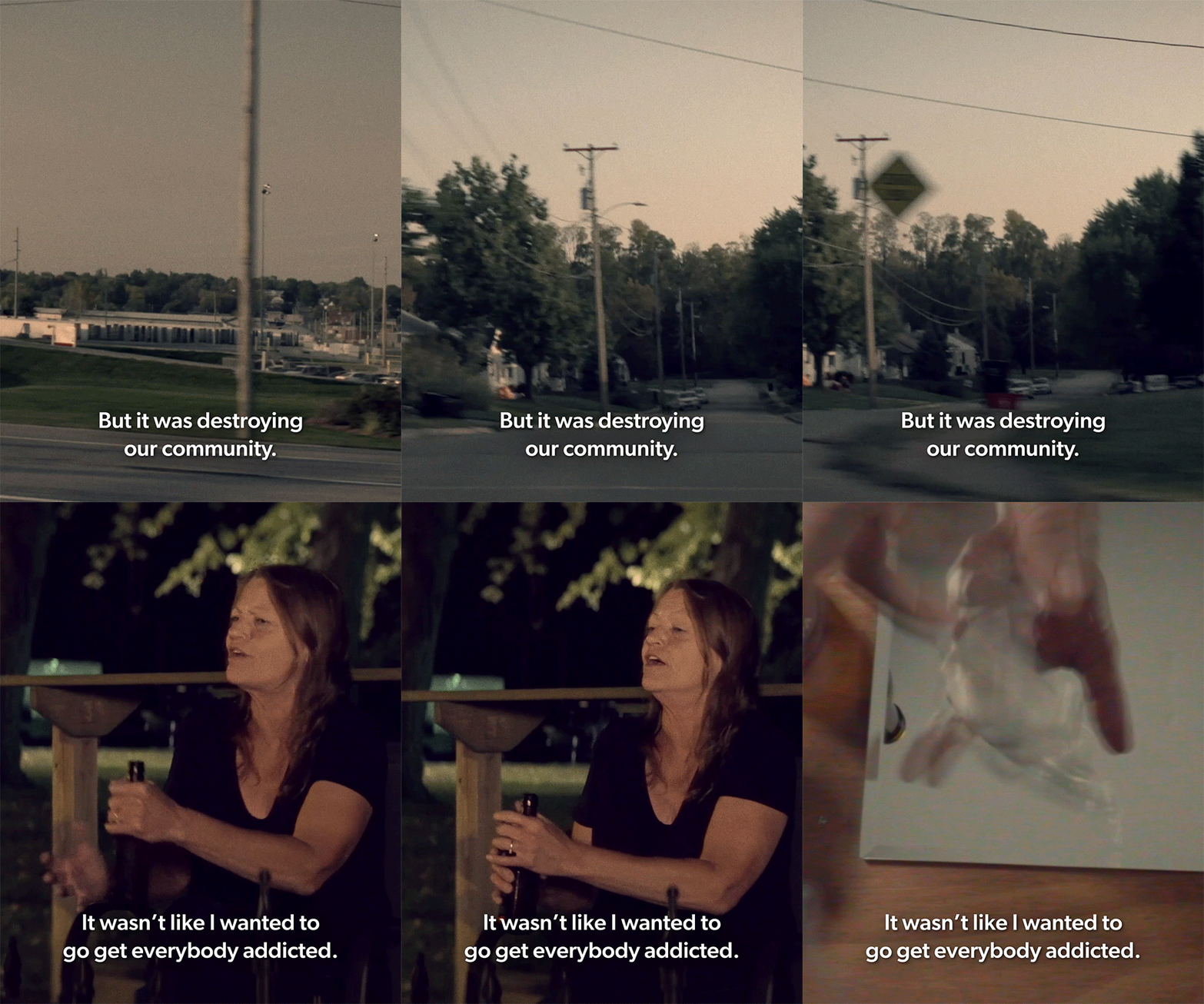
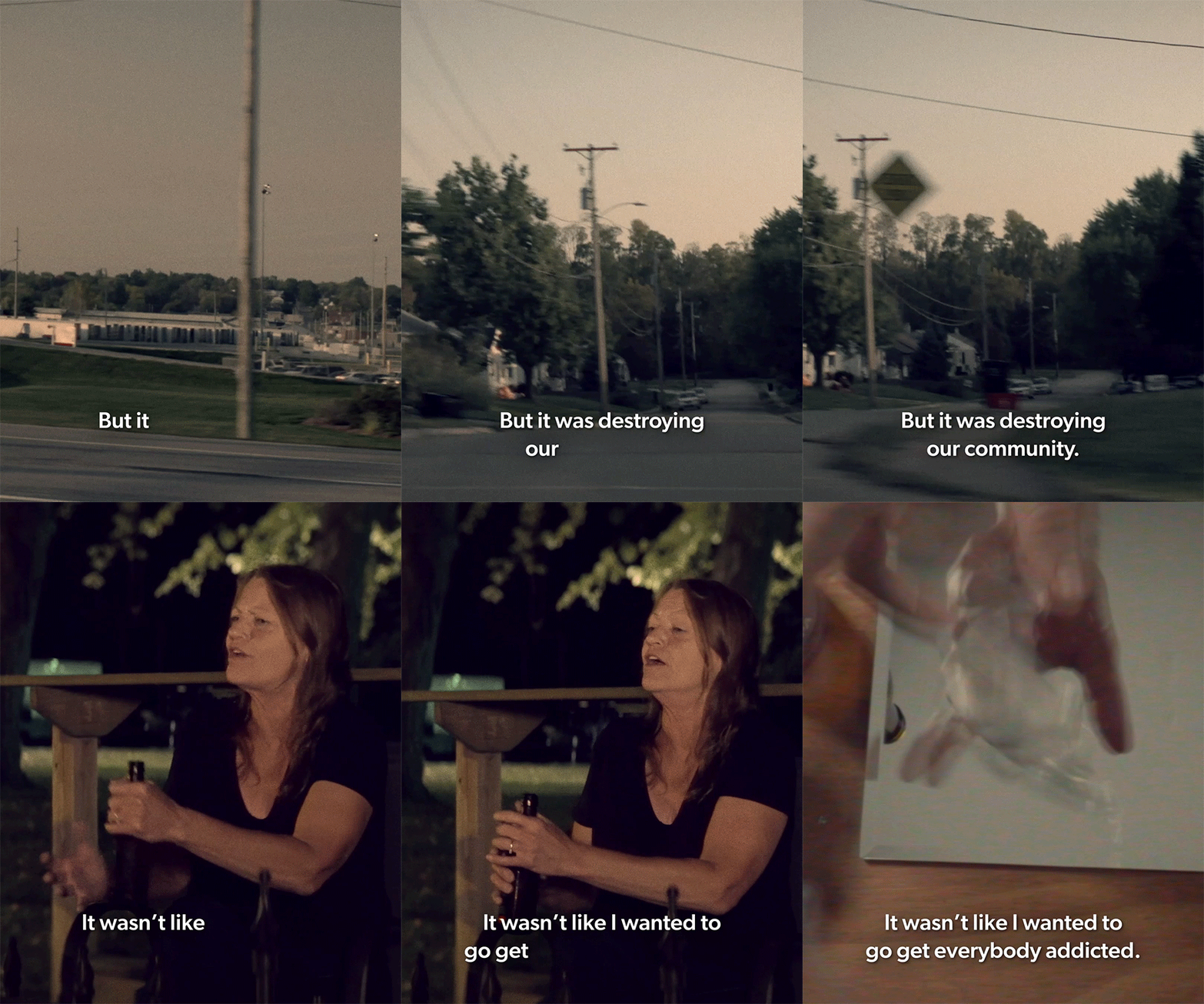
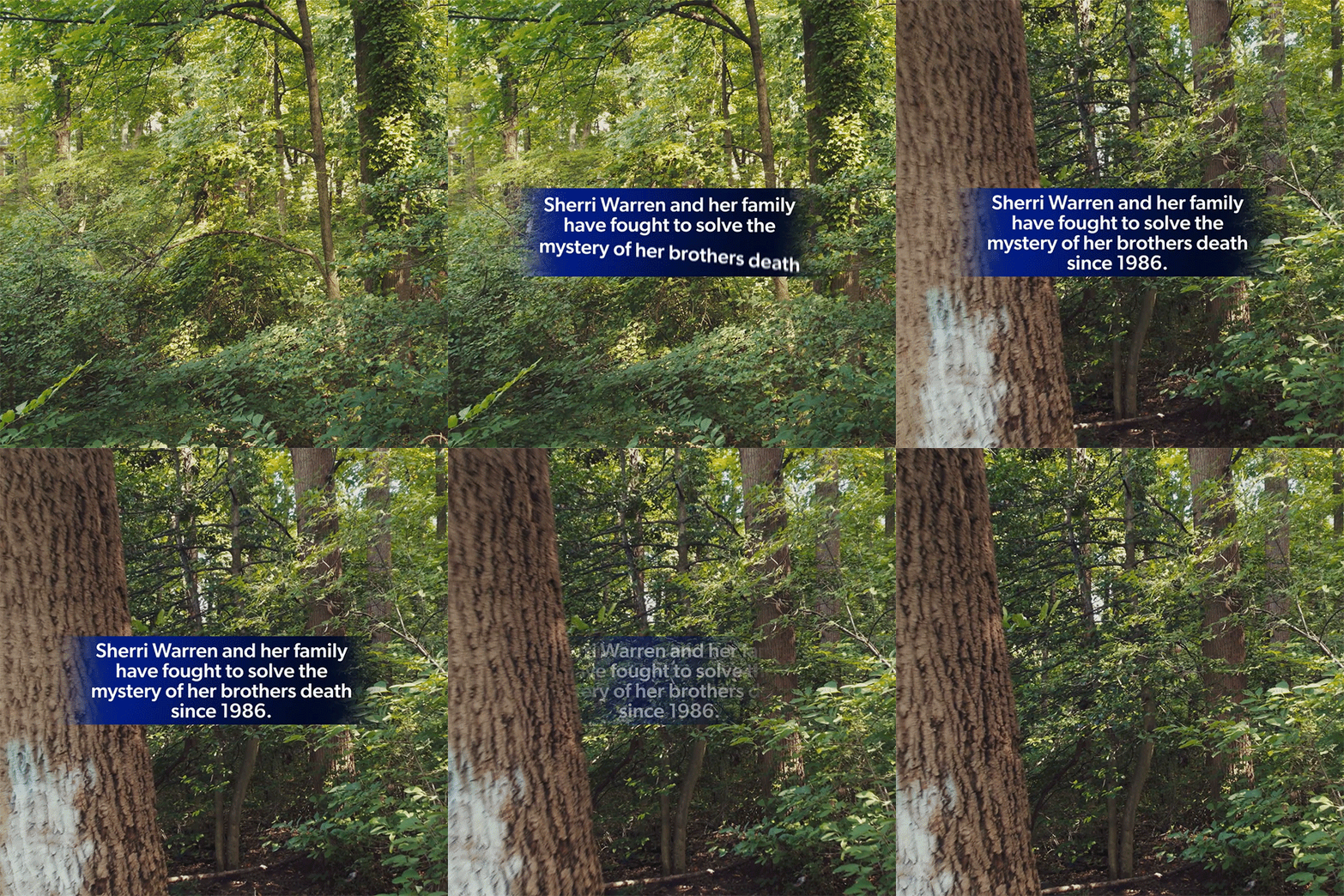
Social Subtitles
The option to animate Social Subtitles on word by word can be selected in the Essential GFX panel.
Social Timers
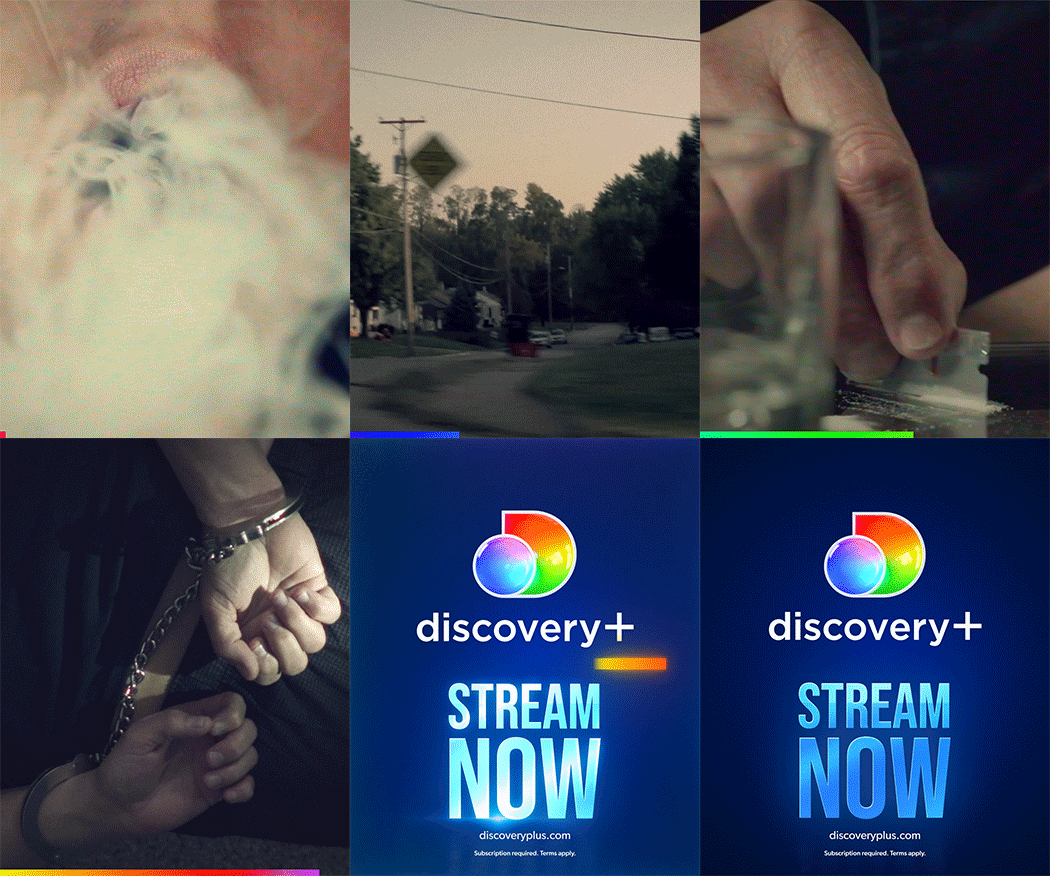
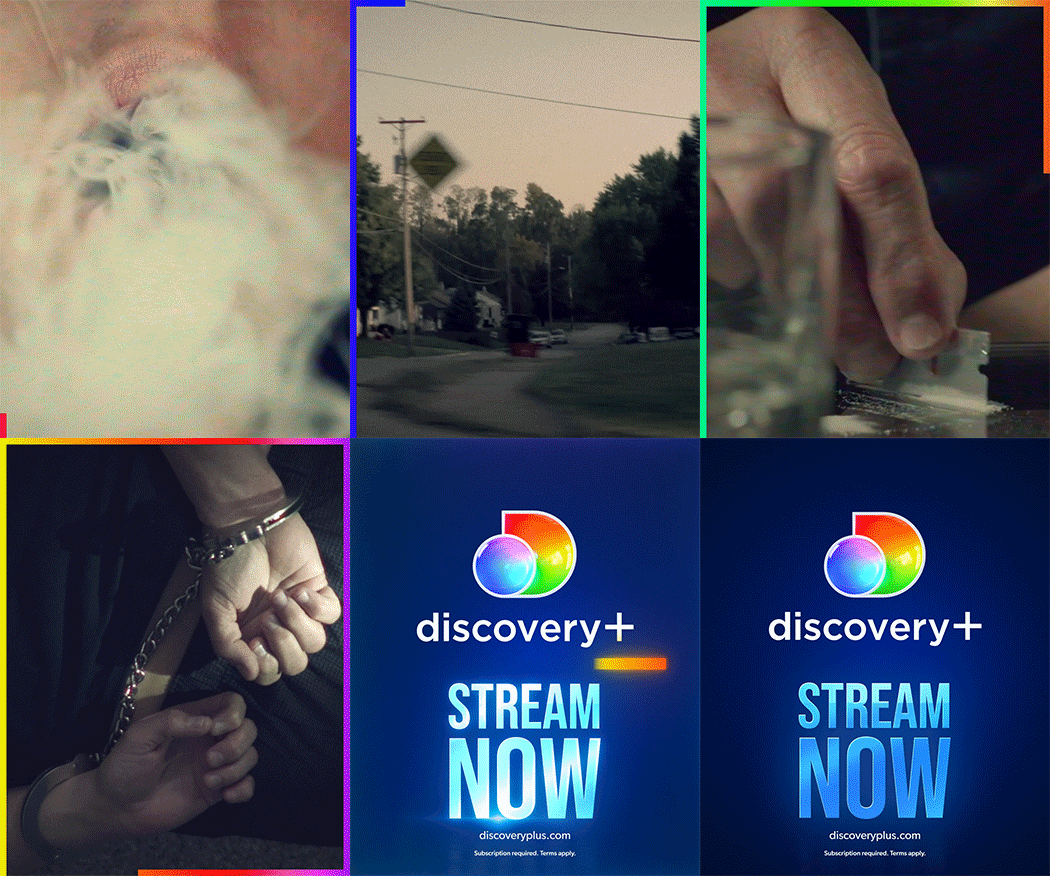
Social Timers (left-to-right and clockwise) are optional graphics for social promos that countdown the time remaining using a spectrum border. The Social Timer must end before the Outro, as shown in the examples below.
Social Sound On
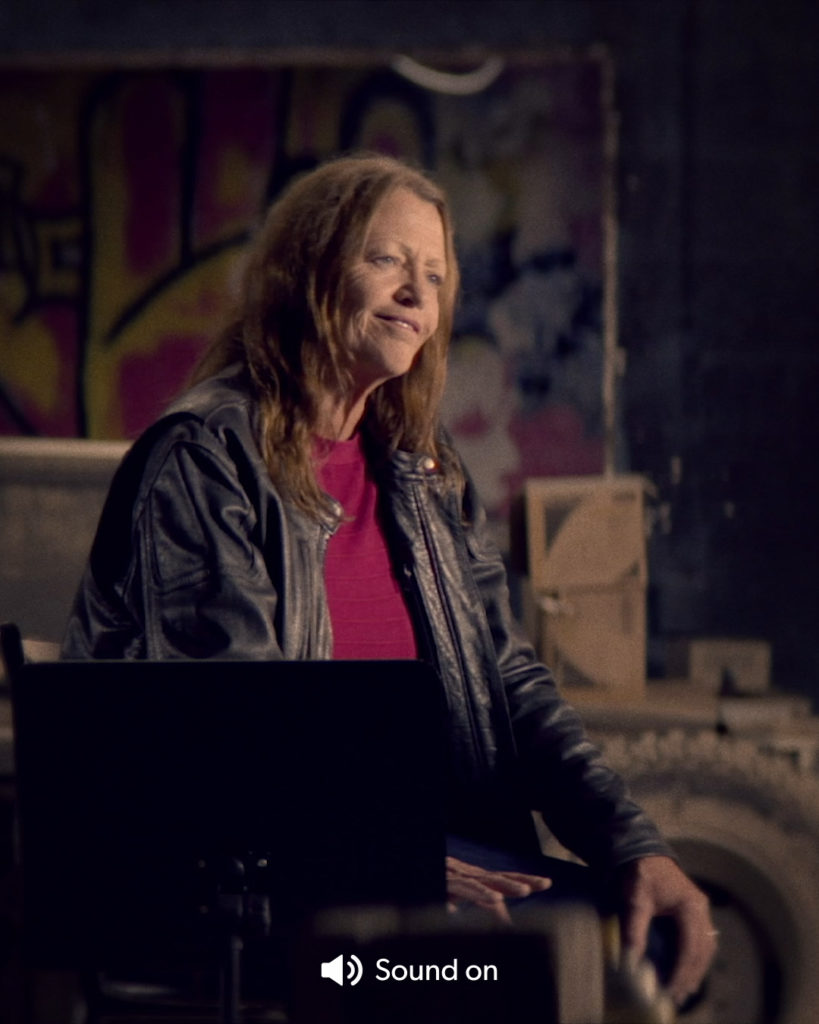
The Social Sound On is also an optional graphic and appears at the start of a social video. It can be repositioned anywhere within the frame.
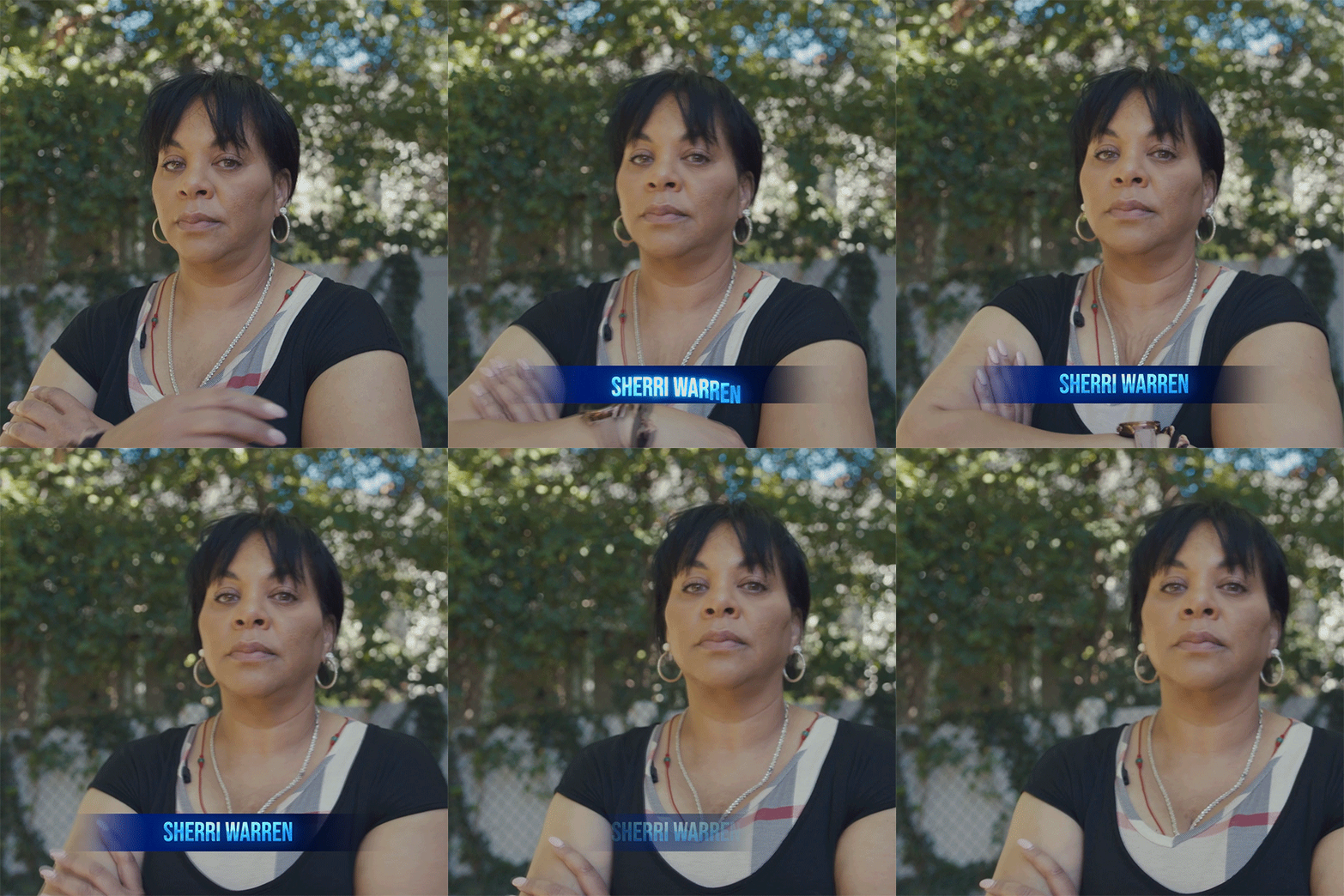
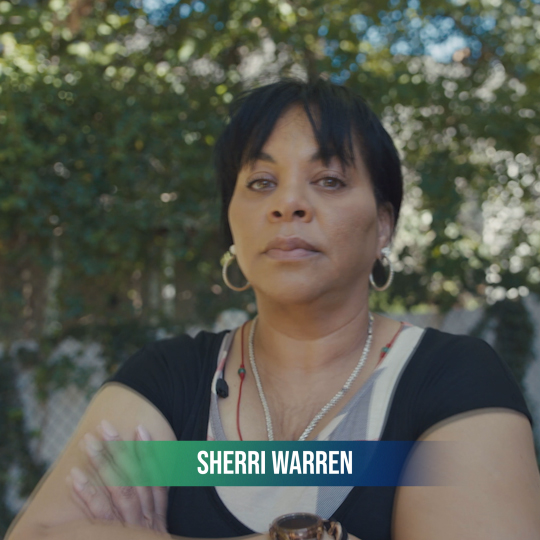
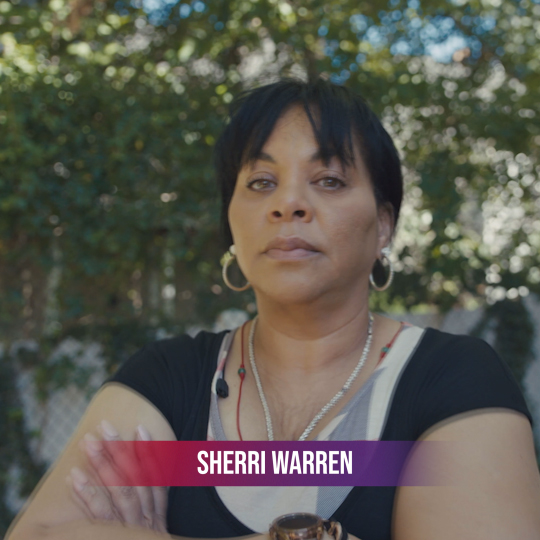
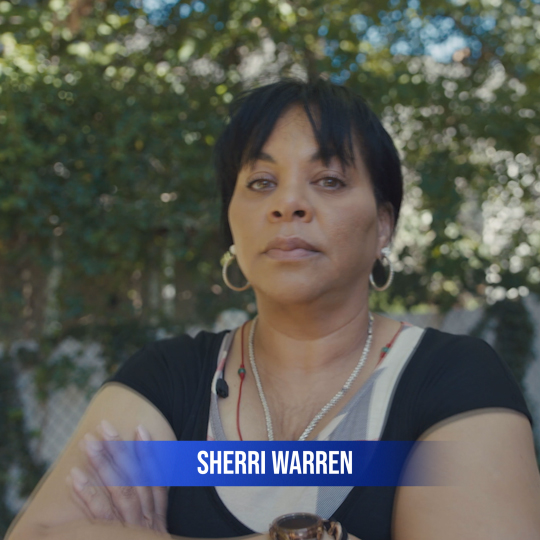
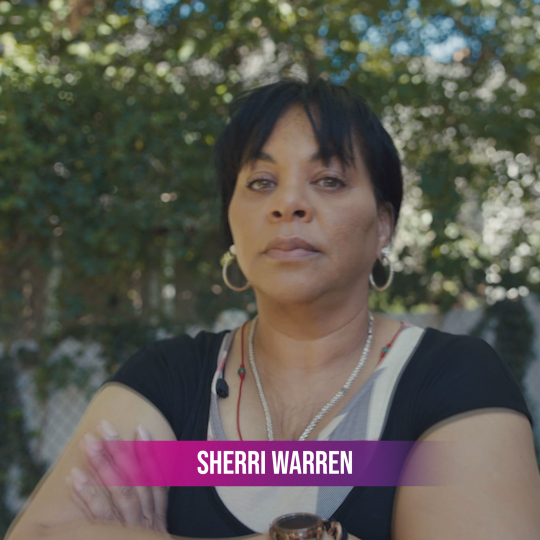
Social Lower Third
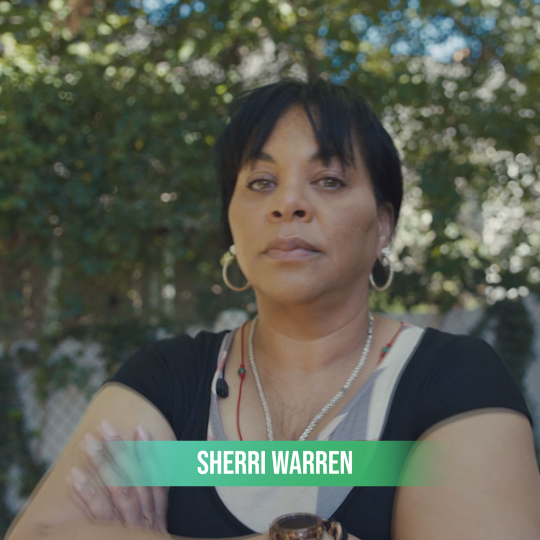
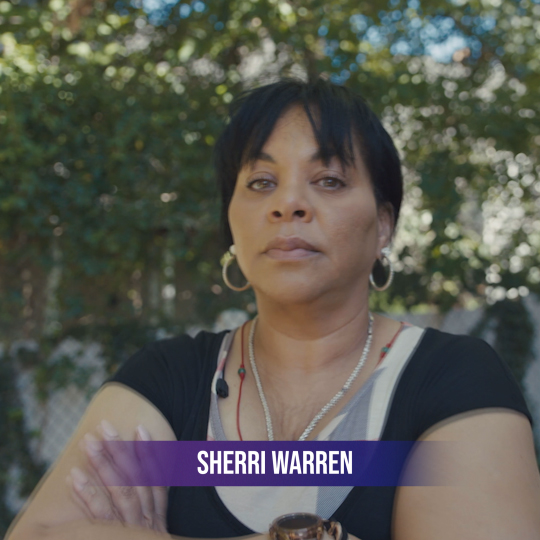
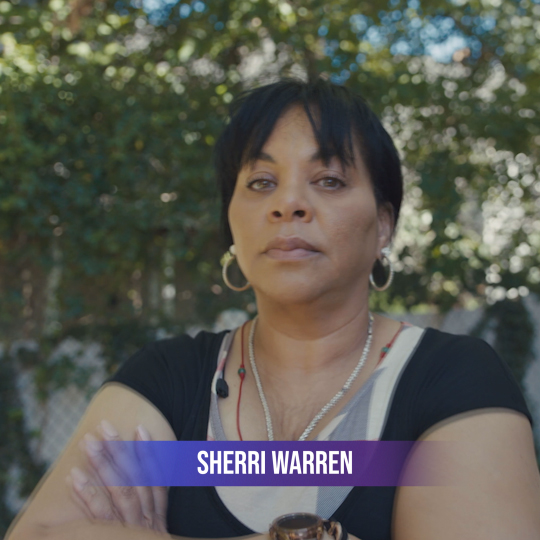
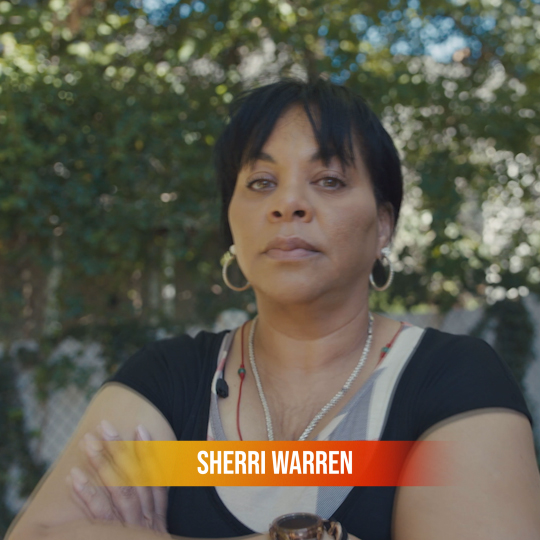
The Lower Third is available in Bebas and Gibson and can support multiple lines of text. It can be scaled and moved anywhere within the frame and is available in Dark Blue and all the social gradients.
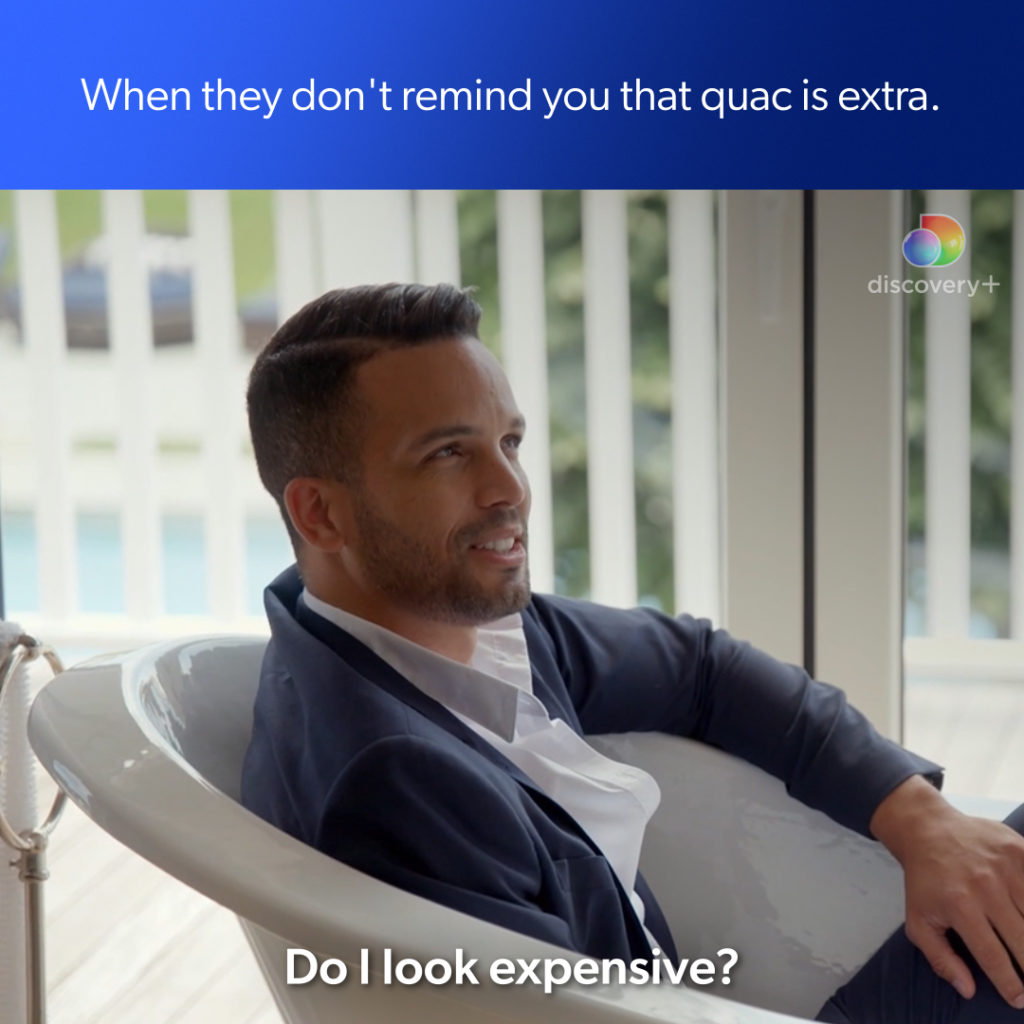
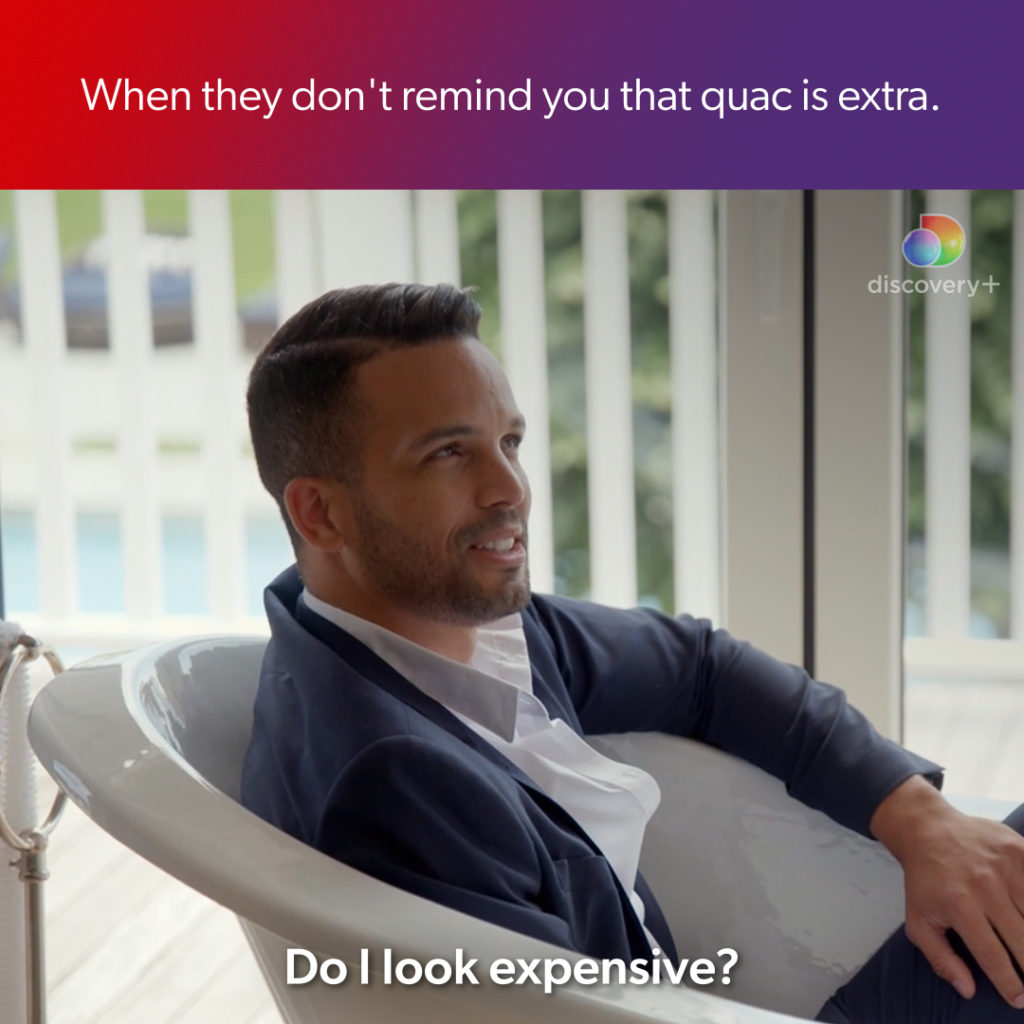
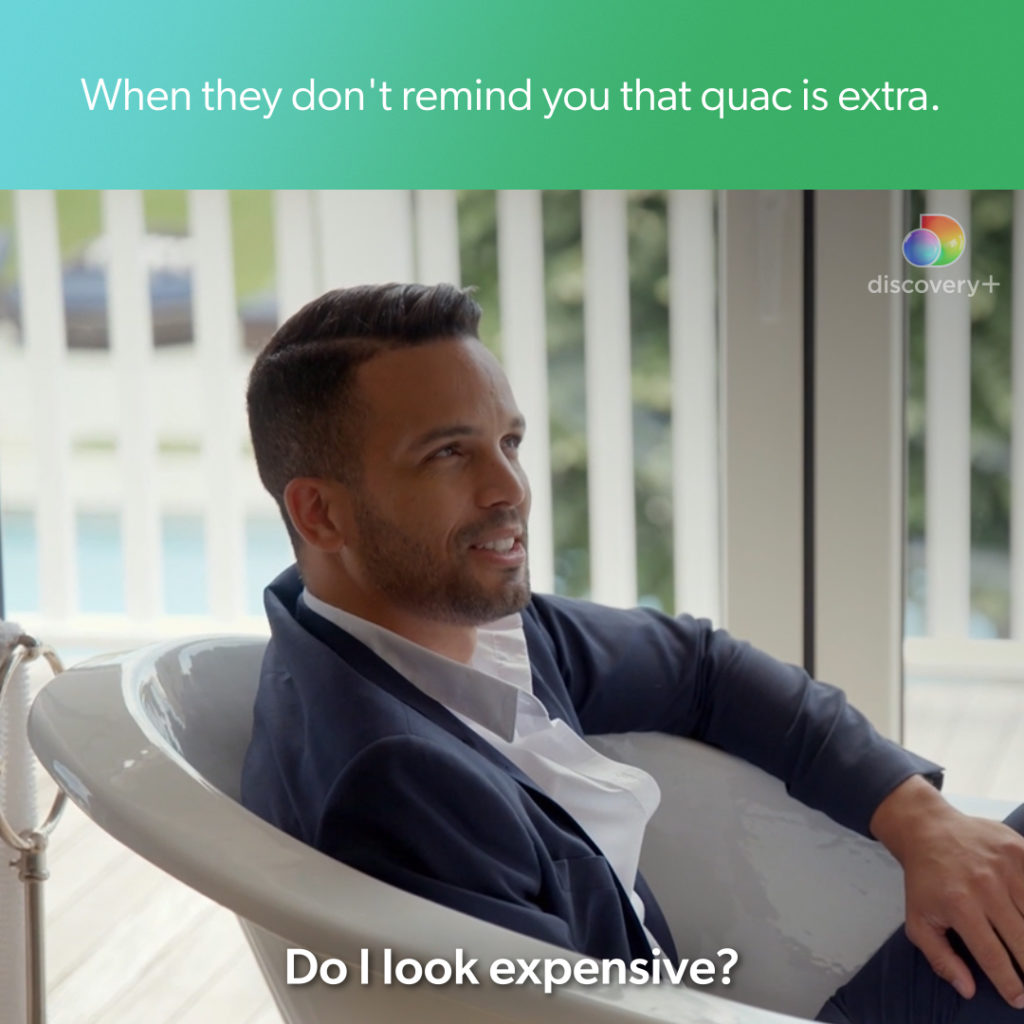
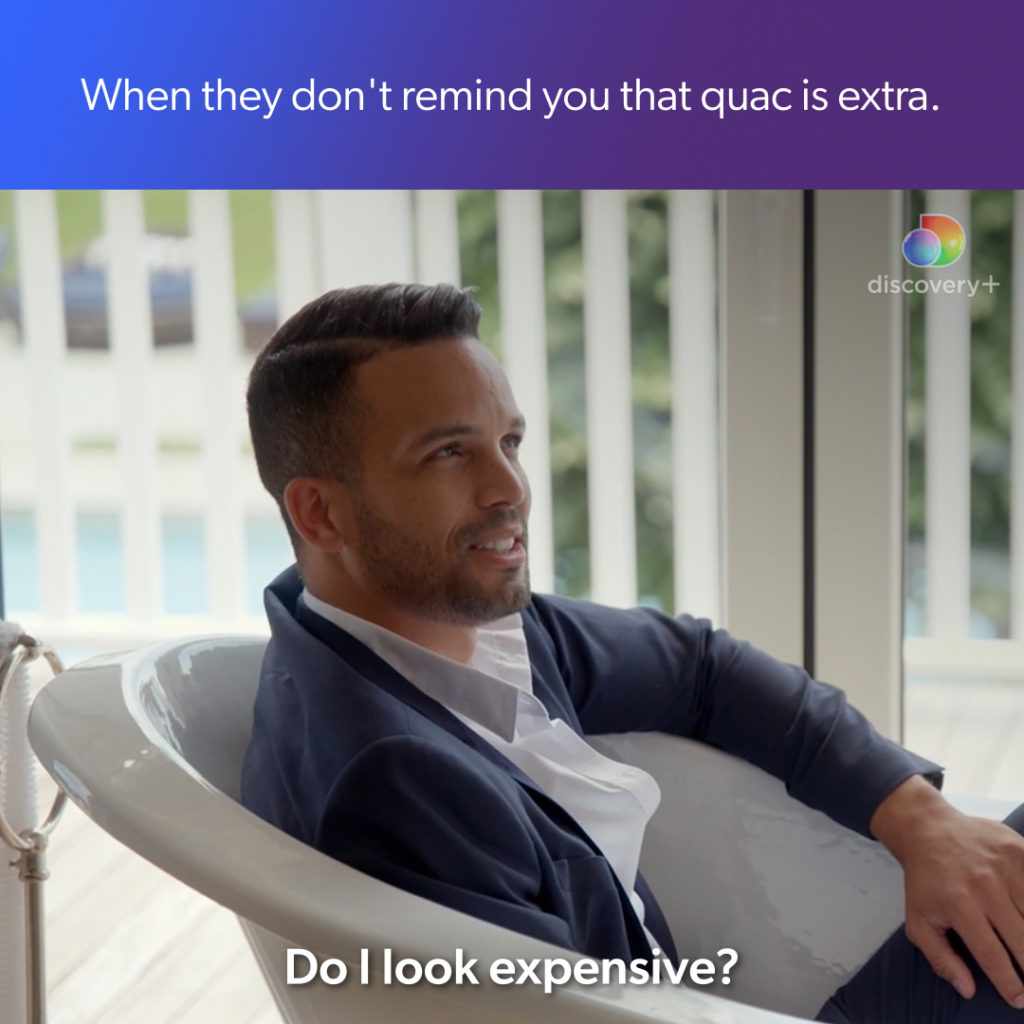
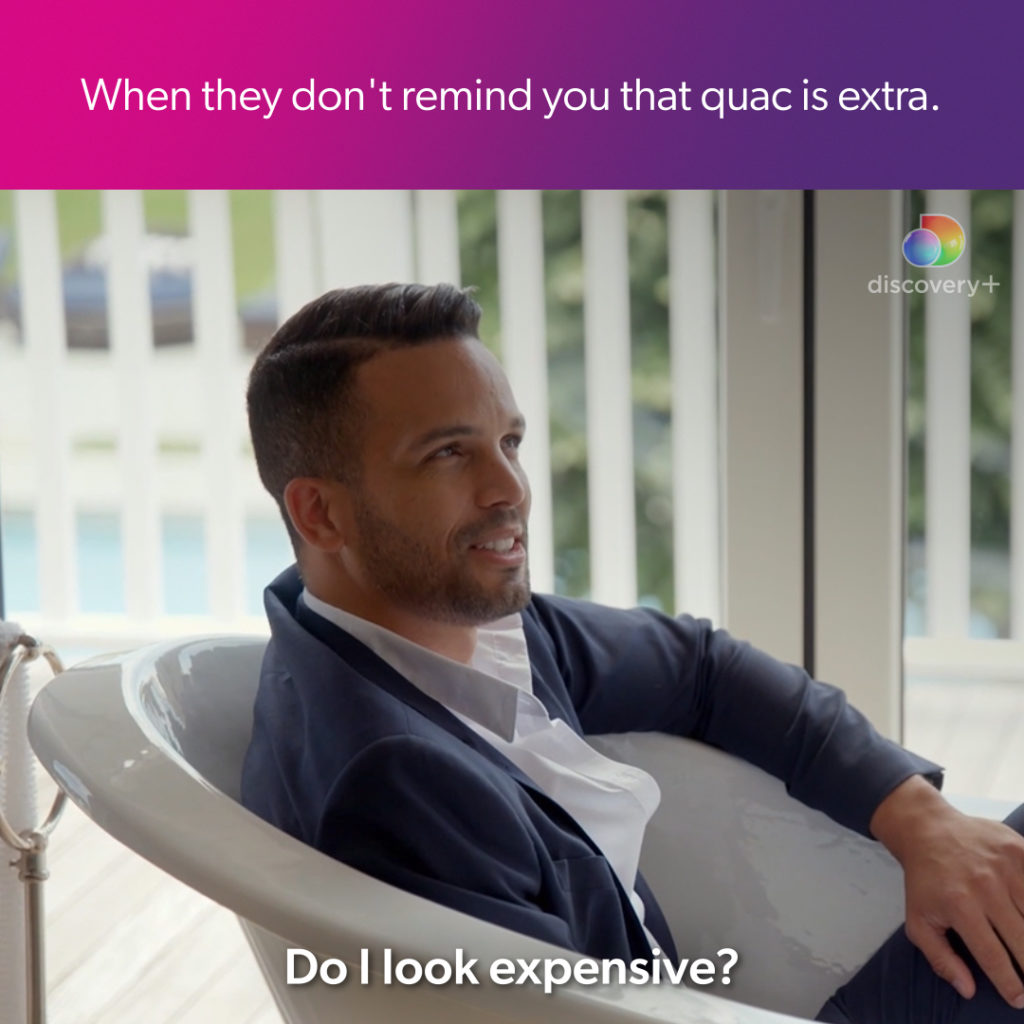
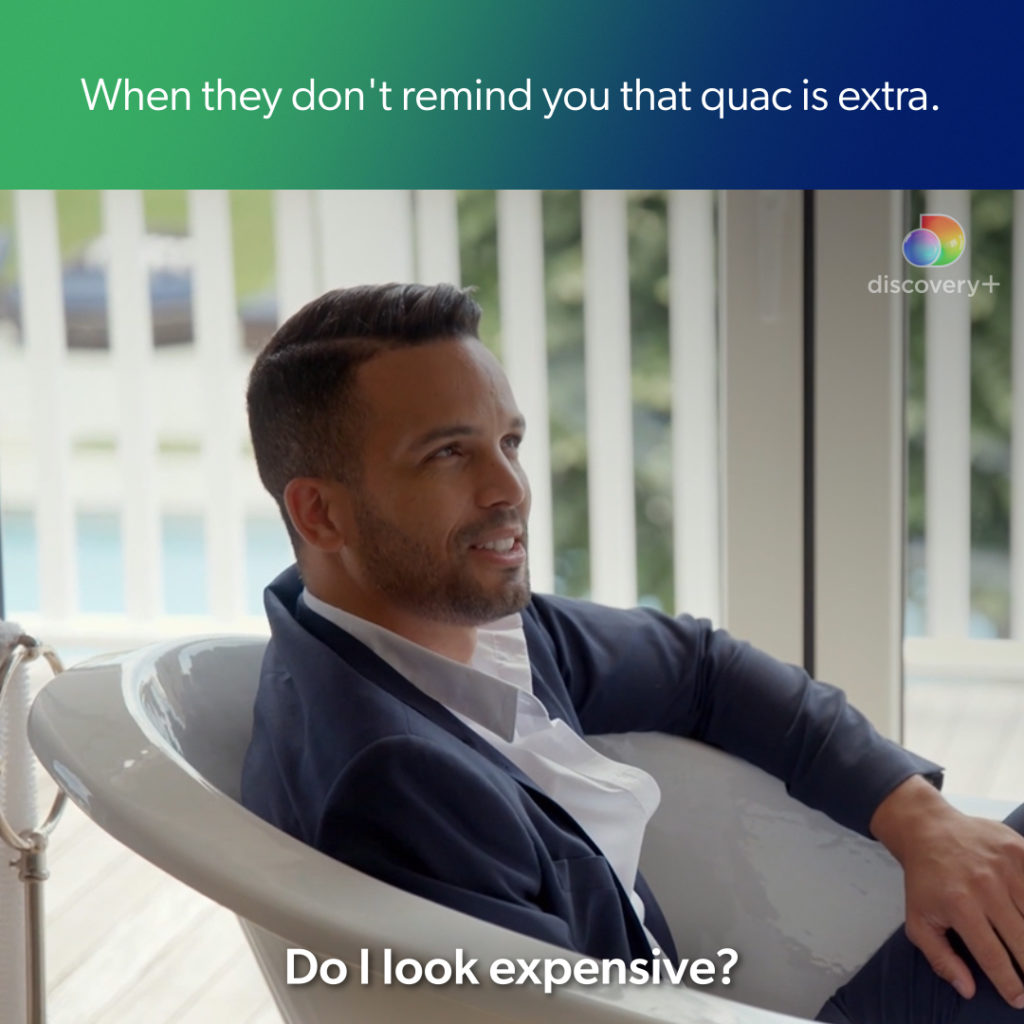
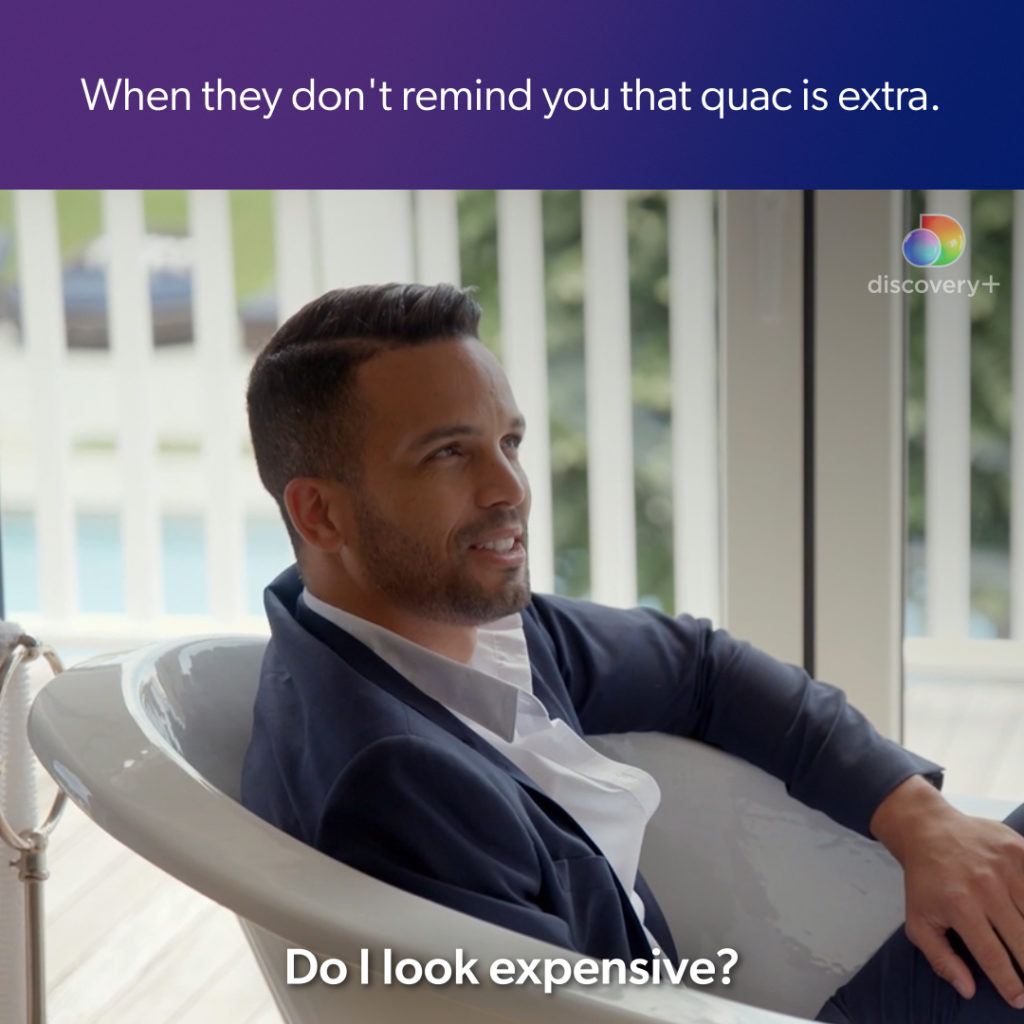
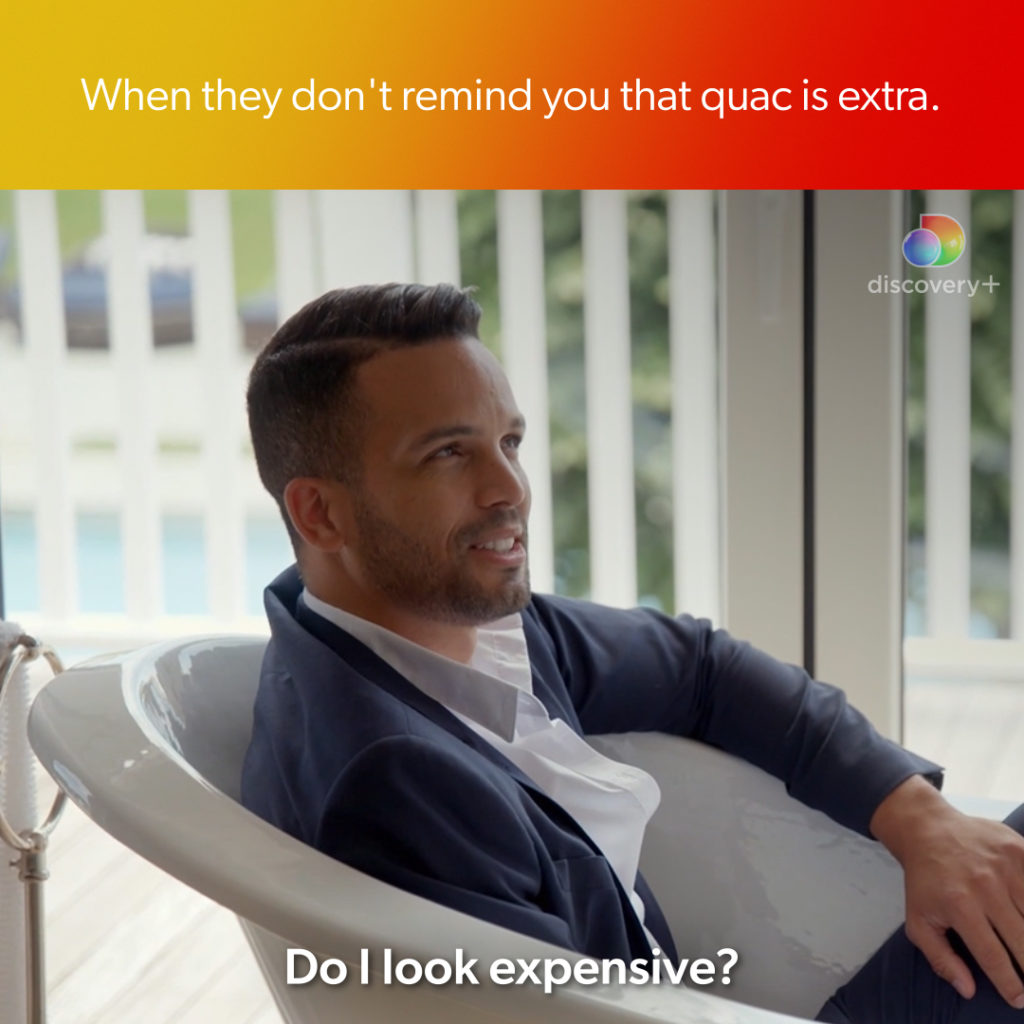
Social Meme
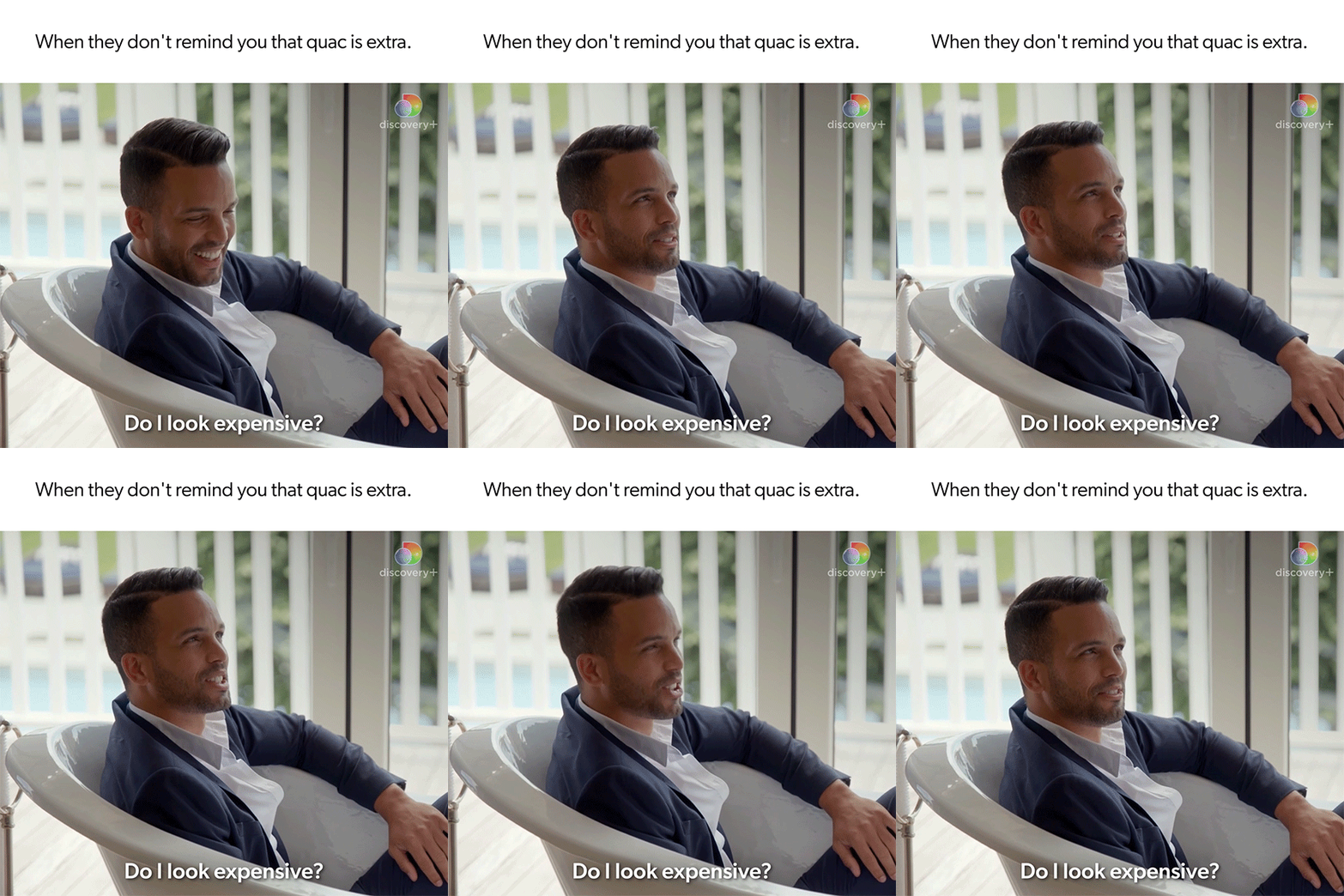
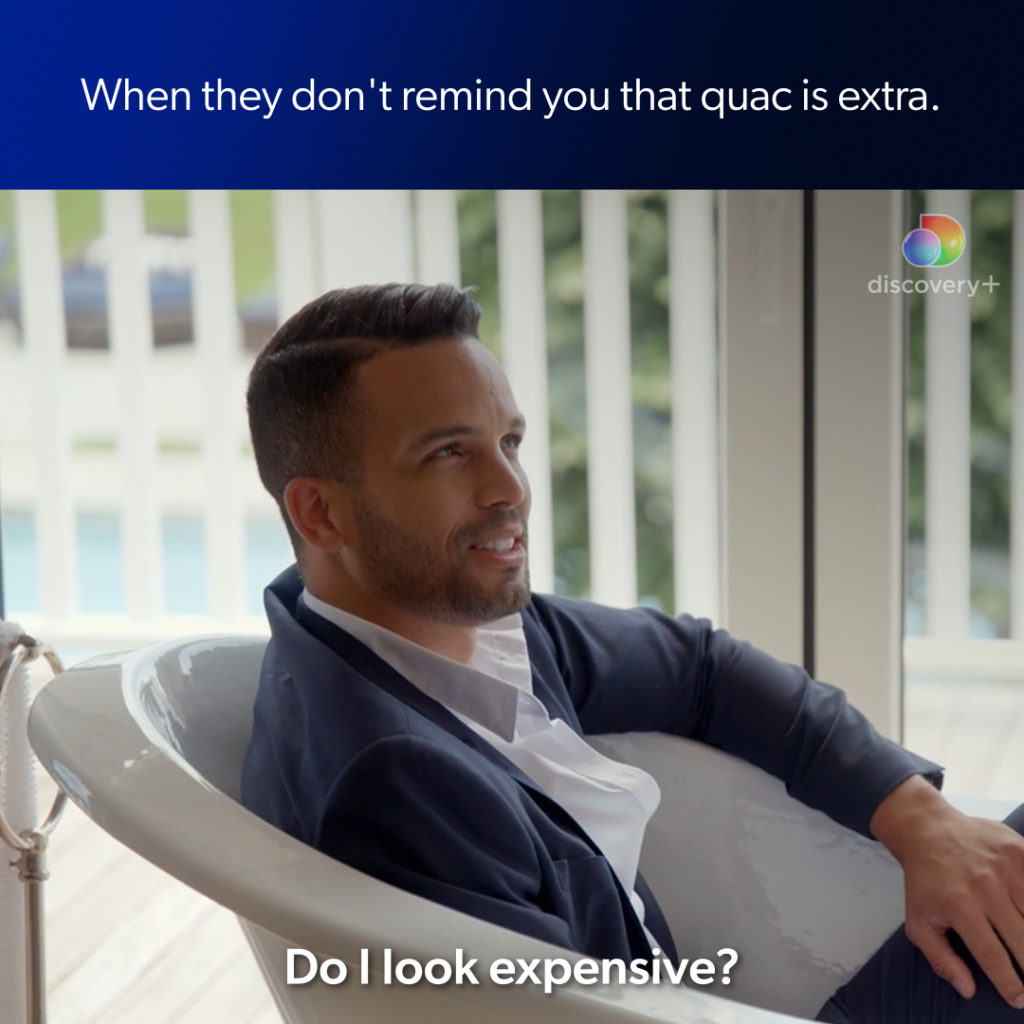
Ratio – 1:1
The Meme background is available in white, dark blue and all the social gradients.
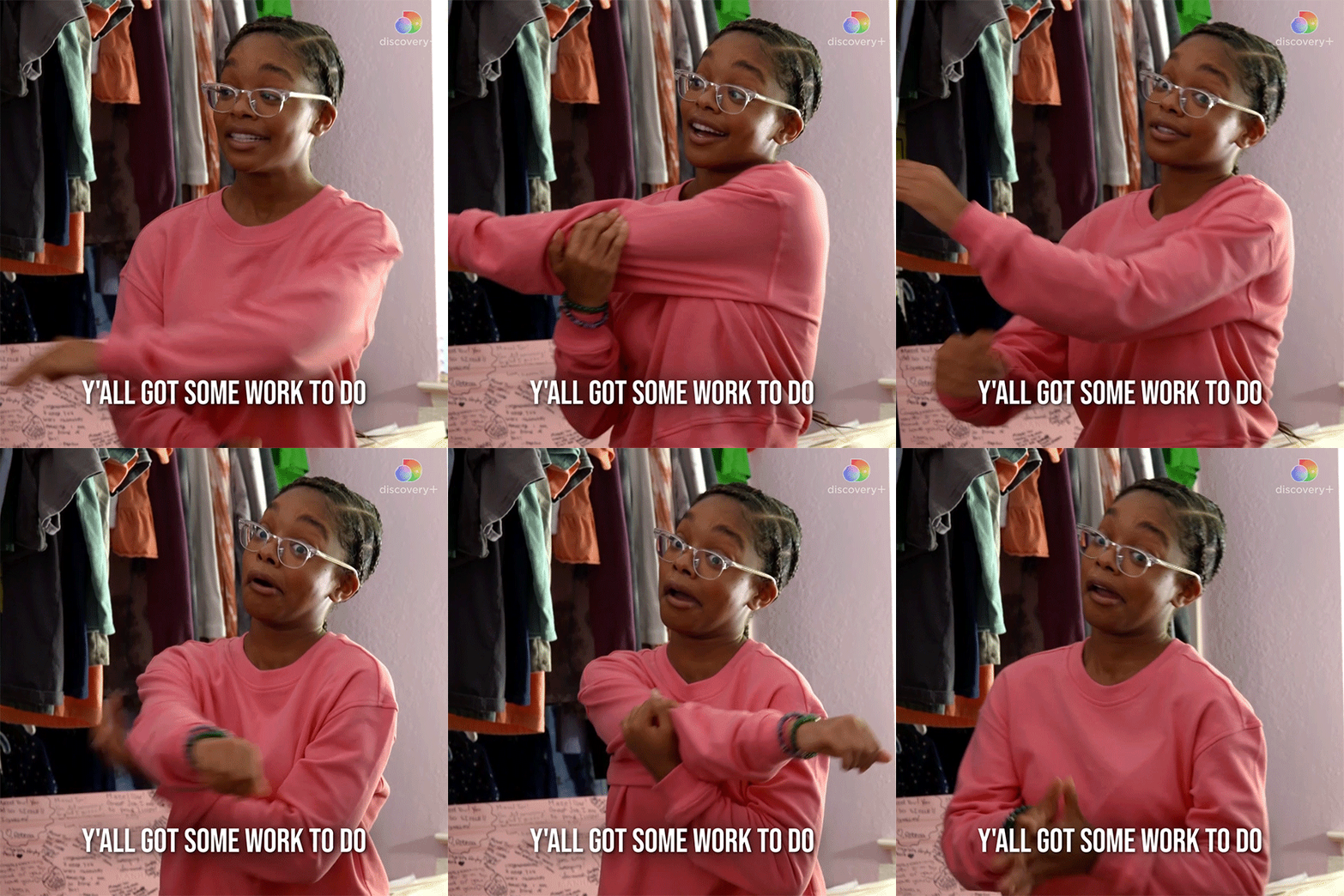
Social Gif
Ratio – 1:1 and 16:9
IP Bumpers – DNI only
5 seconds – On Air & Social (excluding YouTube).
6 seconds – YouTube
discovery+ Original line is required for all Originals titles, and will automatically reposition around the title treatment/text in the Title Cards that allow for it. Please do not reposition manually or scale independently of the title treatment/text.
Each region sets their own legal terms in the Essential GFX panel, and must follow their regional broadcast guidelines for correct scale and duration.
IP Bumpers can also be used as YouTube Bumper Ads.
They can feature either show imagery or footage. Title treatment (preferred) and generic text options provided.
Title Treatment: Ensure that the proportional scale of title treatment remains consistent; general scaling guides have been provided for three standard sizes. Full color/white-mono versions only, to provide maximum legibility over the background.


Digital Best Practices
Bug with Title Treatment
- Title treatment – upper-left recommended
- Bug – upper-right recommended (YouTube: lower-right)
- Please flag for your teams that this is different from on-air promos
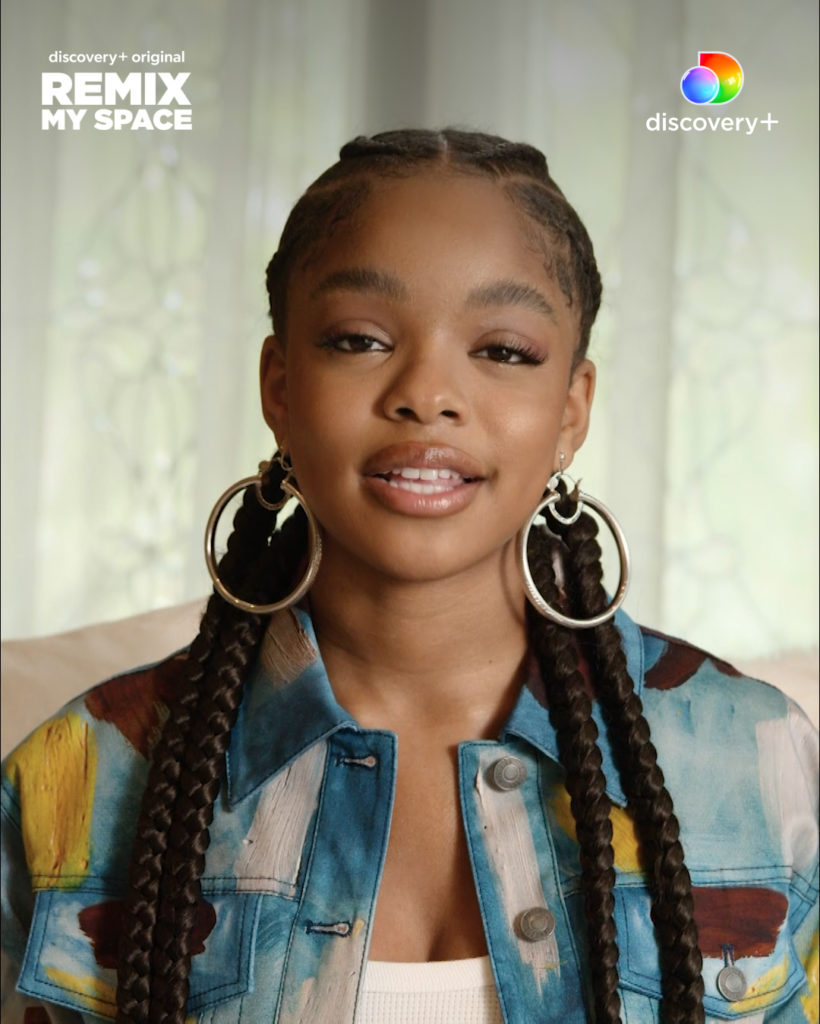
Social Subtitles
- Avoid duplicating on-screen text and subtitles
- Use Gibson Medium font with mixed case and punctuation
- If the ad is more than 70% VO, quotes should be used to separate text from sound bites